Satisfactory Server Hosting
Build a factory together, on your schedule. Choose RAM for the world you’re building and bring your existing save with you.
- PC
- Steam
- Epic
Installation takes a few minutes. Add your address in Satisfactory’s Server Manager, claim the server and create or upload your factory. How setup works
Configure your server
Installation takes a few minutes. Add your address in Satisfactory’s Server Manager, claim the server and create or upload your factory. How setup works
★★★★★
Zeyn
berrybyte customer · 25 December 2023
Read on TrustpilotRead more reviews“performance is amazing, their panel is easy to use. price is good for what they offer, no brainer to go with berrybyte.”
A factory that belongs to the whole crew.
Keep your Satisfactory dedicated server available between sessions, without relying on one friend’s gaming PC.
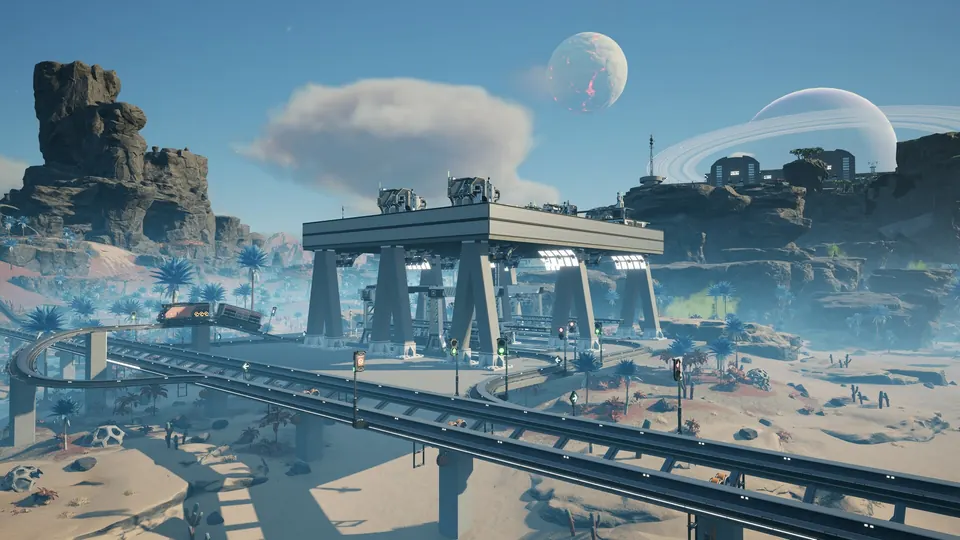
Room for the next production line
Choose memory for your factory’s size and complexity. Start at 12 GB for a new factory, with larger plans available as you expand.
Continue an existing factory
Upload your save through Satisfactory’s Server Manager, or ask us to help move it from another host. Keep your progress and get back to the next milestone.
Make space for compatible mods
Use mods that support your dedicated-server version and keep the client and server lists in sync. We’ll help with the hosting setup; mod compatibility depends on each mod’s author.
From an empty planet to a shared factory.
We install the server. You claim it in the game, load your save and invite the crew.
Claim your server
Open Server Manager in Satisfactory and add the address and port shown in Overview. Complete the first-time claim and set an admin password.
Follow the connection guideLoad your factory
Start a new session or upload your existing save through Server Manager. Match Stable or Experimental with everyone’s game before joining.
Get setup helpKeep a way back
Automatic backups are included. Make an extra copy before an update, a new mod or a world transfer, then restore it from your dashboard if you need to.
Manage your backups
A little help with Satisfactory.
Start with a guide, or ask our team. Setup and migration help are included with your server.
Choose compatible Satisfactory mods
Check dedicated-server support before adding mods to your factory.
Connect to your Satisfactory server
The right joining steps, plus help with versions, passwords and connection problems.
Bring your world with you
Tell us where your server is hosted and we’ll help transfer the files.
Back up and restore your server
Save a copy before making changes and restore it from your dashboard.
Satisfactory server requirements
- Recommended starting plan
- 12 GB RAM; 16 GB for a growing save
- Larger factories
- 24 GB and 32 GB RAM plans
- Players
- Four by default; RAM is not a player-count guarantee
- Platforms
- Steam and Epic Games on PC
Frequently asked questions.
Need help choosing? Talk to our team.
How much does Satisfactory server hosting cost?
Satisfactory server hosting starts at $14.95 USD per month. Your price depends on the memory you choose. Setup help and automatic backups are included. You can see each plan’s monthly price in the selector above.
Which Satisfactory RAM plan should I choose?
Start with 12 GB for a new factory. Step up to 16 GB for a growing save, with 24 and 32 GB available for larger factories and compatible mods. Factory complexity matters as much as player count; more RAM alone will not fix every performance issue.
How many players can join?
The server starts with Satisfactory’s four-player default. RAM plans are sized for your factory, not sold as a promise of 32 or 64 players. Increasing the player limit beyond the default can affect stability and performance.
Can Steam and Epic Games players join together?
Yes, PC players on Steam and Epic Games can use the dedicated server. Everyone needs the same game branch and version. Console players cannot join these PC dedicated servers.
Can I bring a save or install mods?
Yes. Use Server Manager to upload a compatible save, and choose mods that support dedicated servers and your game version. See our mod guide for compatibility checks before changing an established factory.
What if the server isn’t right for me?
New purchases include a 7-day money-back guarantee. Request a refund through support within 7 days of purchase. Read the refund policy. You can also cancel future renewals from your dashboard.