Garry's Mod Server Hosting
Give your friends a place to build, roleplay or play TTT. Bring your Workshop collection and make the server your own.
- PC
- Steam
Installation and Workshop downloads take time. Load and test your gamemode before inviting the whole community. How setup works
Configure your server
Installation and Workshop downloads take time. Load and test your gamemode before inviting the whole community. How setup works
★★★★★
Conley Sparks
berrybyte customer · 14 November 2023
Read on TrustpilotRead more reviews“using around 100+ mods, with 20-30 active players. the lag is SUPER minimal.”
Your favourite game nights, in one place.
Run a Garry’s Mod dedicated server for your group or community, with the maps, gamemodes and addons you choose.
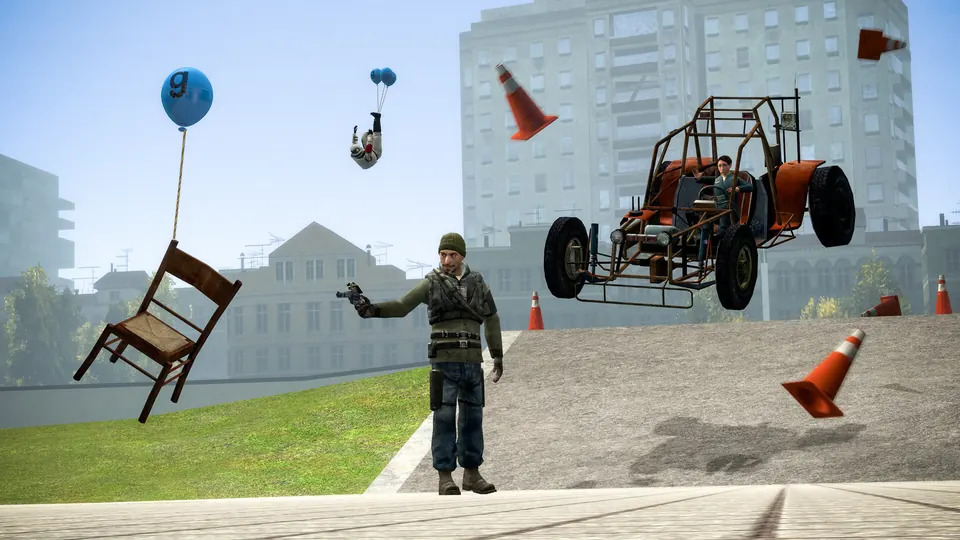
Build around your gamemode
Set up Sandbox, Trouble in Terrorist Town or a compatible DarkRP configuration. Full file access lets you manage the addons and settings your community needs.
Bring your Workshop collection
Use compatible maps and addons, and arrange any required game content. Test a new collection before opening the server to everyone.
Manage the community from your browser
Use the console, files and backups from your dashboard. We’ll help with installation and transfers while you build your rules and custom content.
Set up the next game night.
Choose a map and gamemode, load the collection and get your friends connected.
Join your server
Use the address from Overview in Garry’s Mod’s server browser or the connect console command. Wait for required addons to download.
Follow the connection guideMake it your own
Configure your gamemode, maps and Workshop collection. Add content gradually so it is easier to spot an incompatible addon.
Get setup helpKeep a way back
Automatic backups are included. Make an extra copy before an update, a new mod or a world transfer, then restore it from your dashboard if you need to.
Manage your backups
A little help with Garry's Mod.
Start with a guide, or ask our team. Setup and migration help are included with your server.
Connect to your Garry’s Mod server
The right joining steps, plus help with versions, passwords and connection problems.
Bring your world with you
Tell us where your server is hosted and we’ll help transfer the files.
Back up and restore your server
Save a copy before making changes and restore it from your dashboard.
Garry's Mod server requirements
- Locations
- US East, US West and EU Central
- Included
- AMD Ryzen processors, NVMe storage and DDoS protection
- Help
- Installation, connection and world-transfer assistance
- Backups
- Automatic backups, plus backups you create yourself
Frequently asked questions.
Need help choosing? Talk to our team.
How much does Garry's Mod server hosting cost?
Garry's Mod server hosting starts at $6.95 USD per month. Your price depends on the player slots you choose. Setup help and automatic backups are included. You can see each plan’s monthly price in the selector above.
Can I run TTT, DarkRP or Sandbox?
Yes. Install the compatible gamemode and required addons, then configure the server to load it. Custom gamemode development and addon fixes are separate from hosting setup.
Can I add a Steam Workshop collection?
Yes. Configure your collection and check each addon’s dependencies. Some maps and gamemodes require additional game content on the server and on players’ PCs.
Which player plan should I choose?
Choose the number of people you want online at once. The 4, 8, 16 and 64-slot plans include 3, 4, 8 and 14 GB RAM respectively. A large DarkRP setup or many scripted addons can need more resources; ask us to check the intended setup first.
Can I move my existing Garry’s Mod server?
Yes. You can transfer compatible gamemode, addon and configuration files. Keep a backup, and ask our team for help moving the files from your current host.
What if the server isn’t right for me?
New purchases include a 7-day money-back guarantee. Request a refund through support within 7 days of purchase. Read the refund policy. You can also cancel future renewals from your dashboard.