Project Zomboid Server Hosting
Survive Knox County with your friends. Bring your Workshop mods, set your sandbox rules and keep your shared world online.
- PC
- Steam
Installation and Workshop downloads can take several minutes. Match your game build and mods before joining; we’ll help if you get stuck. How setup works
Configure your server
Installation and Workshop downloads can take several minutes. Match your game build and mods before joining; we’ll help if you get stuck. How setup works
★★★★★
Tucker B
berrybyte customer · 4 October 2026
Read on TrustpilotRead more reviews“the support staff at berrybyte actively fixed the problem anyway, going out of their way, and way beyond anything that is expected of any server host.”
Your apocalypse. Your rules.
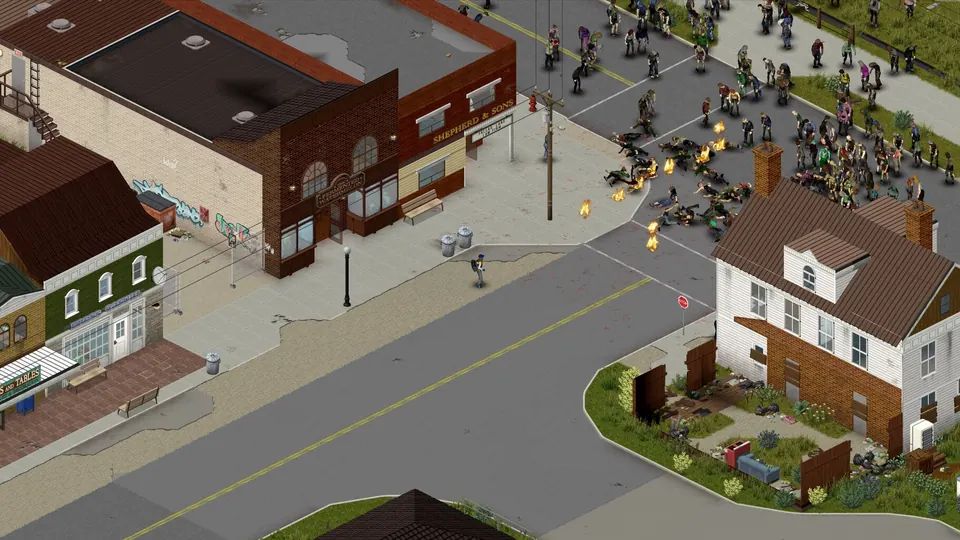
A dedicated Project Zomboid server gives your group a world to return to, with room for the mods and stories you build together.
Bring your Workshop modlist
Add Workshop and mod IDs to your server settings. Keep everyone on the same build and mod versions; we can help with installation and getting your group connected.
Set the pace of survival
Choose zombie population, loot rarity, XP and day length. Use the server files and in-game admin tools to shape a relaxed co-op save or a tougher survival world.
Keep your hard-earned progress
Move a compatible save from another host with our help. Automatic backups are included, so you have a copy before changing your modlist or updating the game.
Get your survivors together.
Choose your build, bring your modlist and settle into a world your whole group can return to.
Join the right build
Copy your server address from Overview and add it to Favorites in Project Zomboid. Use the same game build and mods as the server.
Follow the connection guideMake Knox County yours
Set a password, adjust your sandbox rules and add compatible Workshop mods. Moving a world? Keep its original build and ask us to help transfer it.
Get setup helpKeep a way back
Automatic backups are included. Make an extra copy before an update, a new mod or a world transfer, then restore it from your dashboard if you need to.
Manage your backups
A little help with Project Zomboid.
Start with a guide, or ask our team. Setup and migration help are included with your server.
Connect to your Project Zomboid server
The right joining steps, plus help with versions, passwords and connection problems.
Bring your world with you
Tell us where your server is hosted and we’ll help transfer the files.
Back up and restore your server
Save a copy before making changes and restore it from your dashboard.
Project Zomboid server requirements
- Starting recommendation
- 8 GB for a small modded group
- More headroom
- 12–16 GB for heavier modlists and active worlds
- Build compatibility
- Match the server, clients and Workshop mods
- Locations
- US East, US West and EU Central
Frequently asked questions.
Need help choosing? Talk to our team.
How much does Project Zomboid server hosting cost?
Project Zomboid server hosting starts at $9.95 USD per month. Your price depends on the memory you choose. Setup help and automatic backups are included. You can see each plan’s monthly price in the selector above.
How much RAM does a Project Zomboid server need?
Start with 8 GB for a small modded group. Consider 12 or 16 GB for a larger modlist, more active players or a busy world. Heavy overhauls may need more; ask us about your modlist before ordering. These are starting points, not guaranteed player counts.
Can I host Build 42 or keep a Build 41 world?
Build 42 is the current stable branch. Keep an existing Build 41 save on a compatible branch and check that your mods support it. Build 41 saves do not carry over to Build 42, so make a backup before switching and expect to start a new world.
Can I install Steam Workshop mods?
Yes. Add the Workshop IDs and mod IDs required by your modlist in the server configuration, including any dependencies and load order. Everyone needs compatible game and mod versions.
Can I change sandbox settings and become an admin?
Yes. You have access to your server configuration, console and files. Change sandbox settings and grant trusted players admin access; our team can help you find the relevant settings.
What if the server isn’t right for me?
New purchases include a 7-day money-back guarantee. Request a refund through support within 7 days of purchase. Read the refund policy. You can also cancel future renewals from your dashboard.