Minecraft: Bedrock Edition Server Hosting
Play together on a world that stays online. We run Mojang’s official Bedrock Dedicated Server, so friends on Windows, Android and iOS can join any time.
- Windows
- Android
- iOS
Configure your server
Live in under 60 seconds:
Free subdomain
NVMe SSD storage
Powerful AMD CPUs
Automatic backups
Fast support
DDoS protection
A Bedrock world that stays online.
A dedicated Bedrock server keeps your world open for everyone, without relying on one friend’s phone or PC being on.
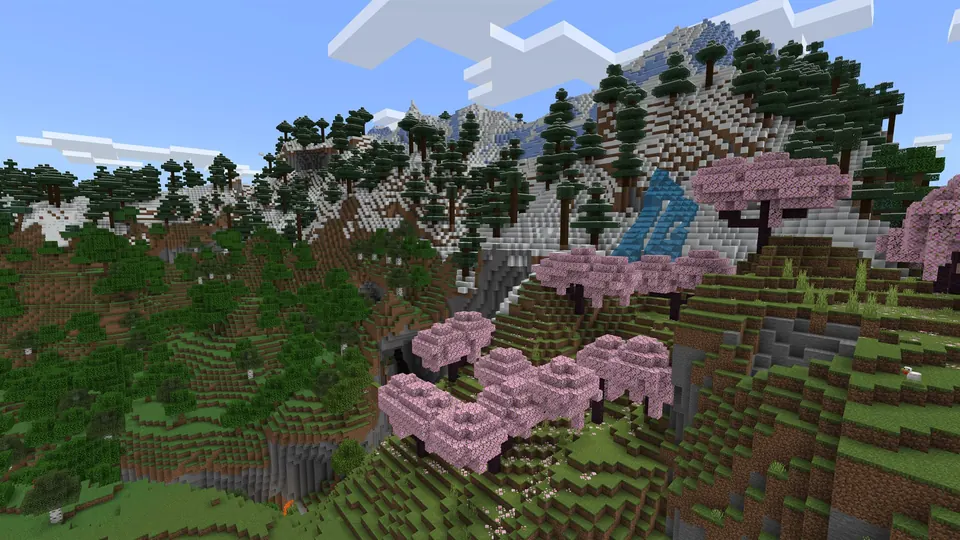
Official dedicated server
Mojang makes the Bedrock Dedicated Server. We download it straight from Mojang and run the Linux build.
Windows and mobile crossplay
Players on Windows, Android and iOS can add your server by address and play in the same world.
Pick your server version
Stay on the latest release or pin a version from your dashboard. Reinstalling keeps your worlds and settings.
Minecraft: Bedrock Edition server requirements
| Recommended memory | 4 GB RAM |
|---|---|
| Player platforms | Windows, Android and iOS |
| Locations | US East, US West and EU Central |
| Included | AMD Ryzen processors, NVMe storage and DDoS protection |
| Backups | Automatic backups, plus backups you create yourself |
Your Minecraft: Bedrock Edition server, all in one place.
Minecraft: Bedrock Edition hosting with one-click setup, Ryzen hardware, and a panel for the day-to-day.
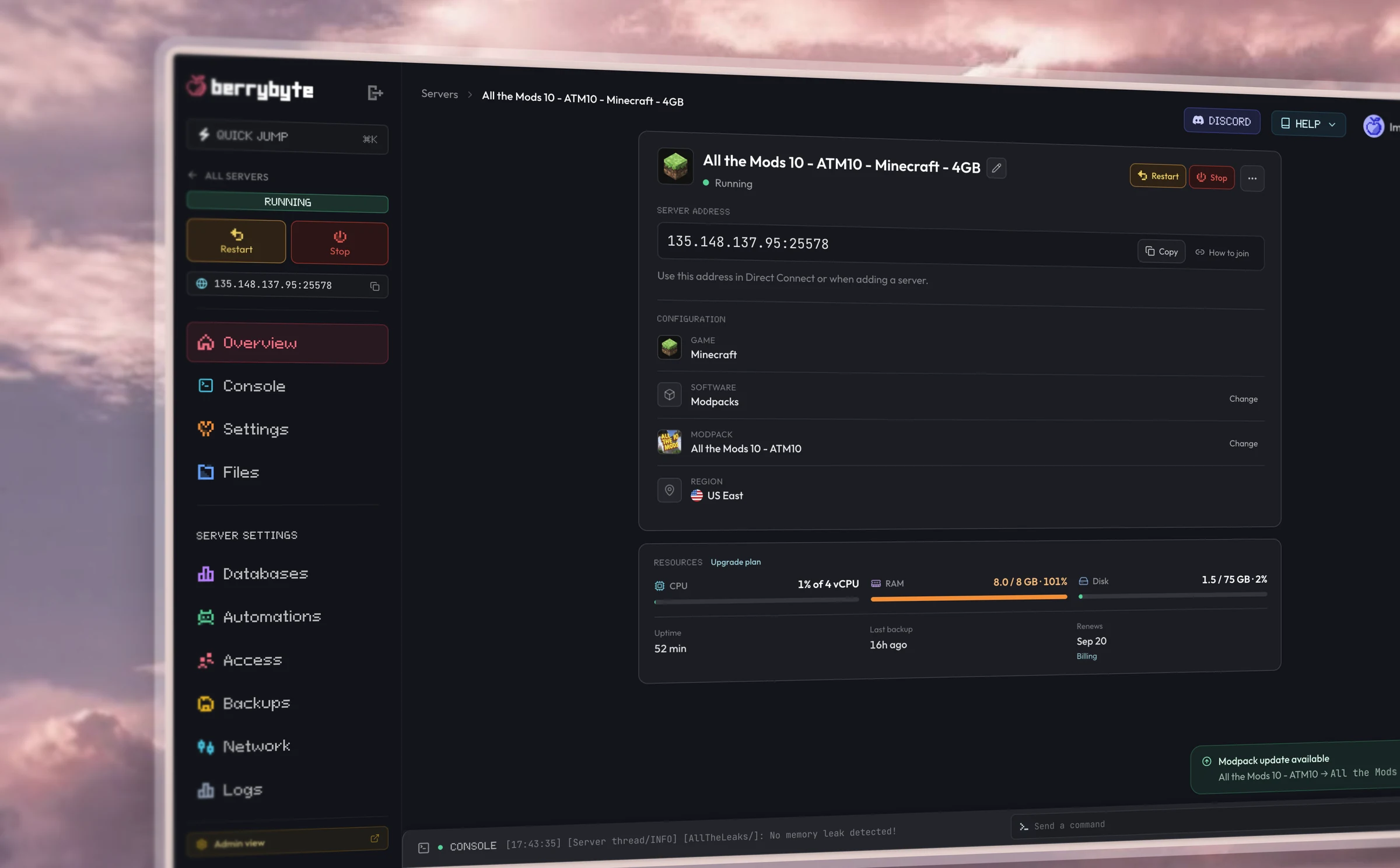
Dashboard
Simple browser controls.
Restart, console, files, settings, and backups from one place in your browser.
Hardware
Fast performance.
AMD Ryzen CPUs, Gen 4 NVMe storage, and DDoS protection included in every plan.
Setup
One-click server setup.
Pick a plan, start the server, and invite your friends. Live in seconds.
Some berry guides
Get setup help
Back up and restore your server
Frequently asked questions
Minecraft: Bedrock Edition questions
Which RAM plan should I choose?
Start with 4 GB. Mojang recommends at least 1 GB of RAM and 2 CPU cores for the Bedrock server, and 4 GB is our smallest plan.
How do my friends join?
In Minecraft, open Play, then Servers, and choose Add Server. Enter a name, then the address and port shown in your dashboard. The server uses the port we give you instead of Bedrock’s default 19132.
Can console players join?
Yes, with a workaround. Xbox, PlayStation and Switch have no Add Server button, so console players cannot type in a server address. A connector app on a phone on the same Wi-Fi (such as BedrockTogether), or the BedrockConnect DNS method, makes your server show up on the console. Players on Windows, Android and iOS add your server directly.
How do I keep strangers out?
Turn on Allow List on your Startup page. Then add players by Gamertag with the allowlist add command in the console, for example: allowlist add ExampleName.
Can I choose the server version?
Yes. Set Bedrock Version on your Startup page to latest or to a version number, then reinstall the server. Your worlds and settings are kept. Players need a game version that matches the server.
Getting started
How fast is setup?
Usually within a few minutes of checkout. Big Minecraft modpacks can take longer to download. You can watch progress in your dashboard.
Do I need any technical knowledge?
Everything runs from a simple control panel. You can start your server, install mods, and change settings in a few clicks.
Can I switch games later?
Each server runs one game. Create a new server for a different title, and keep the old world as a Server Save if you want to return to it.
Server plans
What if I need more RAM or storage?
Upgrade your plan in a couple of clicks. Your world, mods, and settings carry straight over.
Do you offer backups?
Yes. Automatic backups are included on every plan, and you can take manual snapshots anytime.
Can I upgrade anytime?
Yes. Scale up whenever your community grows, and you only pay the difference.
Billing
What payment methods do you take?
Card, Apple Pay, Google Pay, or PayPal.
Do you offer a money-back guarantee?
Yes. If you are unhappy with a new purchase, tell us within 7 days and we will issue a full refund.
Can I cancel anytime?
Yes. Cancel from your dashboard whenever you like. There are no contracts and no cancellation fees.
Do you discount yearly billing?
Yes. Yearly includes three months free; you pay for nine months and get twelve.
Locations & support
Where are your servers?
Choose a location close to your group. The plan selector shows the locations currently available for your game and lets you compare your connection.
How do I get support?
Open a ticket or message us on Discord. Our team of real gamers and engineers replies fast.
Is DDoS protection included?
Yes. Enterprise-grade DDoS protection comes standard on every server at no extra cost.