 ONE-CLICK MODPACK
COBBLEVERSEServer hosting
We install COBBLEVERSE on your server. Pick a plan, share the address, and start your Pokémon adventure with friends.
- Installed after checkout
- We'll move your world
- Backups on every plan
Installed after checkout
COBBLEVERSE 1.7.42 lands on the server, ready to play. No .mrpack to upload.
We'll move your world
Switching hosts? Send a backup and we transfer the world and settings.
Backups on every plan
Snapshot before you update or try something new.
Start COBBLEVERSE
Pack already selected
Read on Trustpilot
“An individual by the name "Imad" helped me through setting up a modpack very quickly. Even going as far as figuring out little odds and ends I couldn't get to work!”
Get everyone connected.
Pick a plan and location
Choose a location close to your group. We’ve already selected COBBLEVERSE for you.
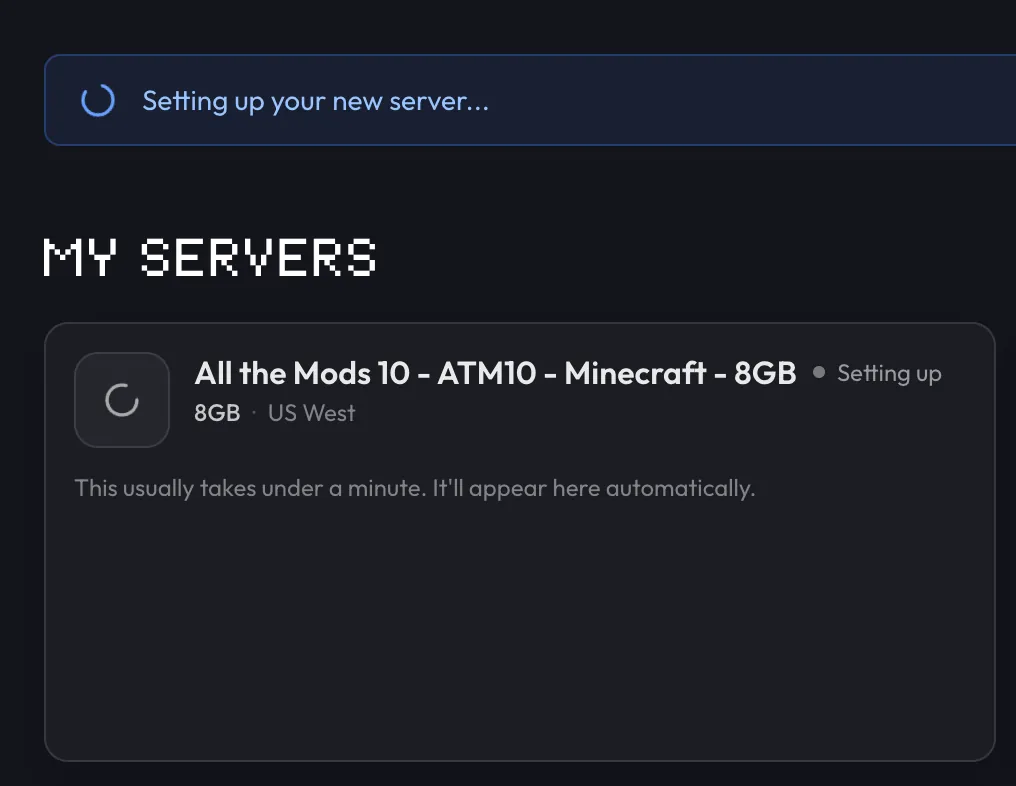
We’ll install the pack
Follow setup in your dashboard. The first install and startup can take a few minutes.
Invite your friends
Install COBBLEVERSE 1.7.42 from Modrinth, add your server address, and join.
Bring your world
Moving from another host? We’ll help transfer your world and settings, at no extra charge.
Keep a backup
Backups are included. Save a copy before updating the pack or trying new mods.
Help when you need it
Stuck on setup or can’t join? Open a support ticket and we’ll help you work it out.
Frequently asked questions
Need help choosing? Talk to us.
How much RAM does COBBLEVERSE need?
The pack creator recommends 6 GB or more for a multiplayer server. Use 8 GB as more friends explore and load Pokémon at the same time. You can change plans as your world grows.
Which version will we play?
Your server comes with COBBLEVERSE 1.7.42 for Minecraft 1.21.1, using Fabric. Everyone joining should install that same COBBLEVERSE release in their launcher. This release is built on Cobblemon 1.7.3, so a Cobblemon Official Modpack client can’t join.
Is COBBLEVERSE the same as Cobblemon?
No. Cobblemon is the Pokémon mod. COBBLEVERSE is a full adventure pack built on it, with gyms, badges, new structures, and all 1025 Pokémon. Every player needs the COBBLEVERSE pack itself.
Can I host a COBBLEVERSE server for free?
Yes, on your own computer. It has to stay on while anyone plays, and it needs about 6 GB of memory for the server on top of your own game. You usually also need to forward port 25565 so friends can connect. A hosted server stays online when you log off, and we install the pack for you.
Can Bedrock players join a COBBLEVERSE server?
No. COBBLEVERSE is a Java Edition modpack. Every player needs Minecraft: Java Edition on a computer, with the same pack installed. Bedrock, console, and phone players can’t join.
What are the rules for a COBBLEVERSE server?
Private servers for friends are fine. Don’t call any server a “COBBLEVERSE Server”, though “COBBLEVERSE Compatible” is allowed. On a public server that sells ranks or items, don’t use the pack’s custom structures or trainers. Read the full rules on the COBBLEVERSE Modrinth page.
Can you move our existing world?
Yes. Send us a backup and tell us which pack version you’re playing. We’ll help move your world and settings and check that the server starts. Keep your original backup until you’ve joined successfully. We can’t repair corrupted saves or develop custom mods.
What if it’s not right for us?
If you are unhappy with a new purchase, contact us within 7 days of purchase for a full refund. Email support@berrybyte.net or open a billing ticket in your dashboard.