 ONE-CLICK MODPACK
StoneBlock 4Server hosting
We install FTB StoneBlock 4 on your server. Pick a plan, share the address, and dig into the stone with your friends.
- Installed after checkout
- We'll move your world
- Backups on every plan
Installed after checkout
StoneBlock 4 1.23.0 lands on the server straight from FTB. No server installer to run.
We'll move your world
Switching hosts? Send a backup and we transfer the world and settings.
Backups on every plan
Snapshot before you update or try something new.
Start StoneBlock 4
Pack already selected
Read on Trustpilot
“An individual by the name "Imad" helped me through setting up a modpack very quickly. Even going as far as figuring out little odds and ends I couldn't get to work!”
Get everyone connected.
Pick a plan and location
Choose a location close to your group. We’ve already selected StoneBlock 4 for you.
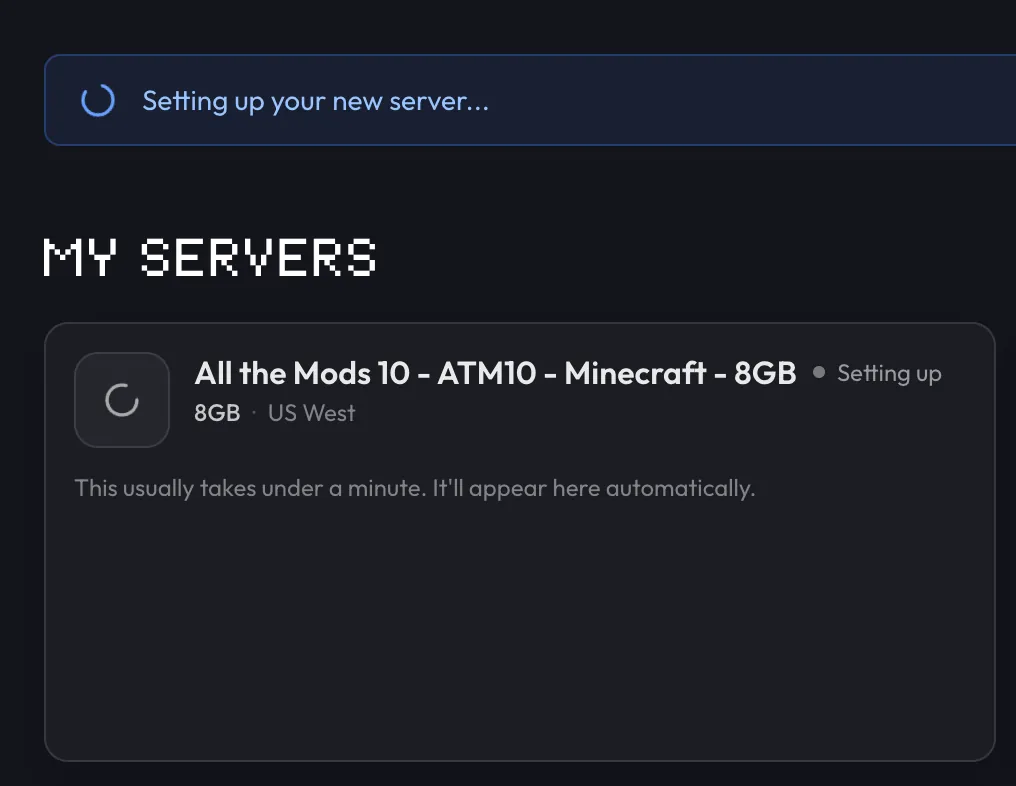
We’ll install the pack
Follow setup in your dashboard. The first install and startup can take a few minutes.
Invite your friends
Install FTB StoneBlock 4 1.23.0 in the FTB App or CurseForge, add your server address, and join.
Bring your world
Moving from another host? We’ll help transfer your world and settings, at no extra charge.
Keep a backup
Backups are included. Save a copy before updating the pack or trying new mods.
Help when you need it
Stuck on setup or can’t join? Open a support ticket and we’ll help you work it out.
Frequently asked questions
Need help choosing? Talk to us.
How much RAM does StoneBlock 4 need?
FTB lists 6 GB as the minimum and 8 GB as recommended for StoneBlock 4. Use 12 GB once several players run large automated bases. You can change plans as your world grows.
How do you play StoneBlock 4 multiplayer?
Put the world on a server and have everyone join the same release. Start a server here with StoneBlock 4 selected and wait for it to finish starting. Then friends install StoneBlock 4 1.23.0, add your server address in Multiplayer, and join. Open to LAN only works while the host is playing.
Where do I get the StoneBlock 4 server files?
You don’t need them on berrybyte. FTB publishes server files for this release, and berrybyte installs them from FTB. If you host it yourself, FTB offers a server installer on each release’s page.
Which version will we play?
Your server comes with StoneBlock 4 1.23.0 for Minecraft 1.21.1, using NeoForge. Everyone joining should install that same StoneBlock 4 release in their launcher. StoneBlock 3 is a different pack and can’t join this server.
How long does setup take?
Allow several minutes for the pack to download and your world to start. You can follow progress in your dashboard. If it gets stuck, open a support ticket and we’ll help.
Can you move our existing world?
Yes. Send us a backup and tell us which pack version you’re playing. We’ll help move your world and settings and check that the server starts. Keep your original backup until you’ve joined successfully. We can’t repair corrupted saves or develop custom mods.
What if it’s not right for us?
If you are unhappy with a new purchase, contact us within 7 days of purchase for a full refund. Email support@berrybyte.net or open a billing ticket in your dashboard.