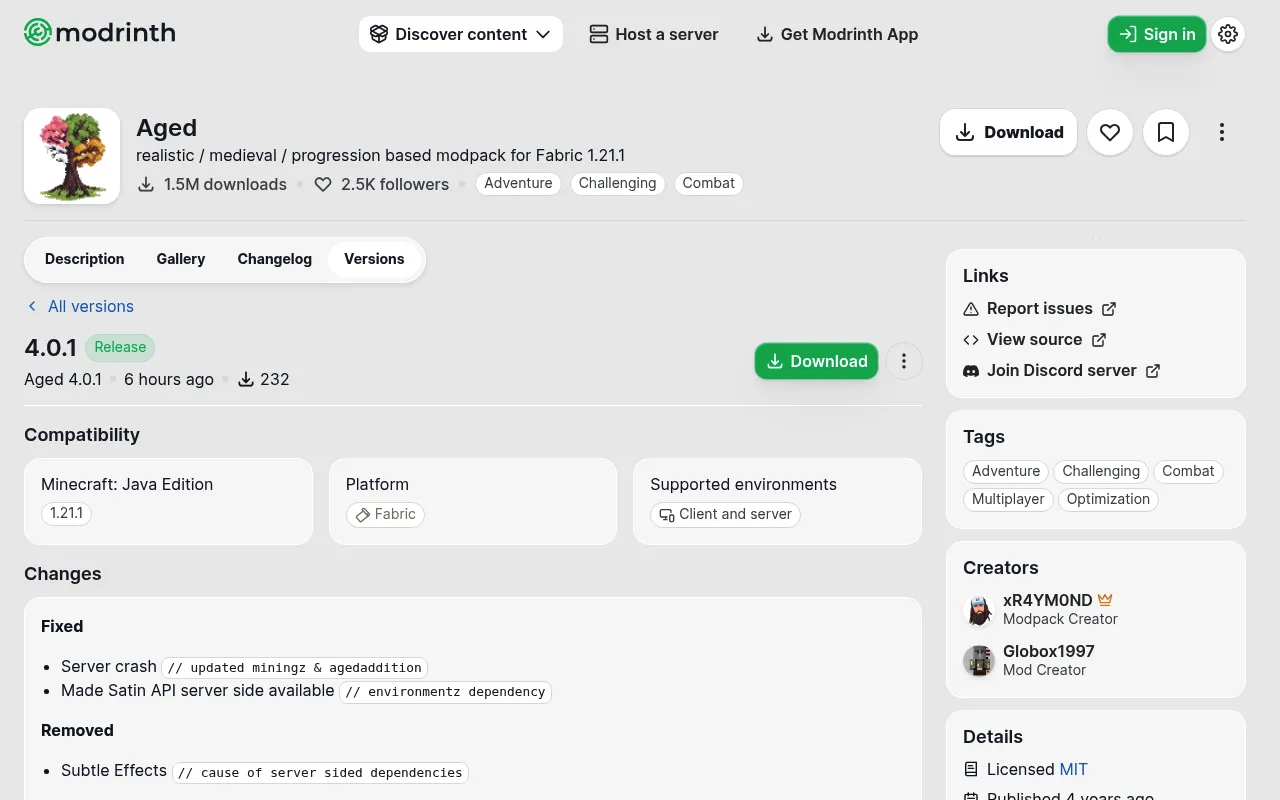
TL;DR: Aged 4.0.0 came out on November 3, 2026, and moved the pack from Minecraft 1.20.1 to 1.21.1 on Fabric. Version 4.0.1 followed a day later and fixed a server crash. Run 4.0.1 or newer on your server, take a backup, and start a fresh world if you can.
Can you move an Aged 3.x server to 4.0? You can install it on the same server, but the Minecraft version and the mods both change. The author gives no upgrade path for 3.x worlds, so treat a fresh world as the safe choice.
berrybyte installs Aged from Modrinth in one click, with Fabric set for you. Browse modpacks and start a server if you want a clean 4.0 world.
What's new in Aged 4.0
This is the first release since 3.1.2 (December 1, 2024). From the Modrinth changelog:
- The pack now runs on Minecraft 1.21.1.
- New stone layers show up as you mine deeper.
- A basic quest system.
- Tool and armor smithing with liquids and molds.
- Hands-on cooking, plus sprinklers, watering cans and new farmland rules.
- A new tool progression system.
Why servers need 4.0.1
The 4.0.1 release lists a server crash fix. It updates two mods (miningz and agedaddition) and makes Satin API load on the server.
It also removes Subtle Effects because it needed server-side dependencies. If you installed 4.0.0 on day one, move to 4.0.1.
Can I keep my 3.x world?
The 4.0 notes don't say whether a 3.x world will load safely. A world that opens on a newer Minecraft version can't go back, and many mods changed for 1.21.1.
Back up first. If an old world breaks, a fresh world is the fix.
Aged modpack server notes
- Everyone runs the same version. Each player needs the same Aged version as the server (4.0.1 or newer) in their launcher.
- It is built for single player first. The Aged FAQ says the pack has been made for single player since 3.0.0, but it can run as a server. The author is still collecting bug reports for 4.0.
- Aged Light also has a 4.0.1 release. The author says the two packs have worked together since 3.1.0, but the 4.0 notes don't confirm it for 4.x yet. Until they do, have everyone run the same pack.
- RAM. The author doesn't list a server RAM number. Check our modpack RAM tool before you pick a plan.
How to set up Aged 4.0 on berrybyte
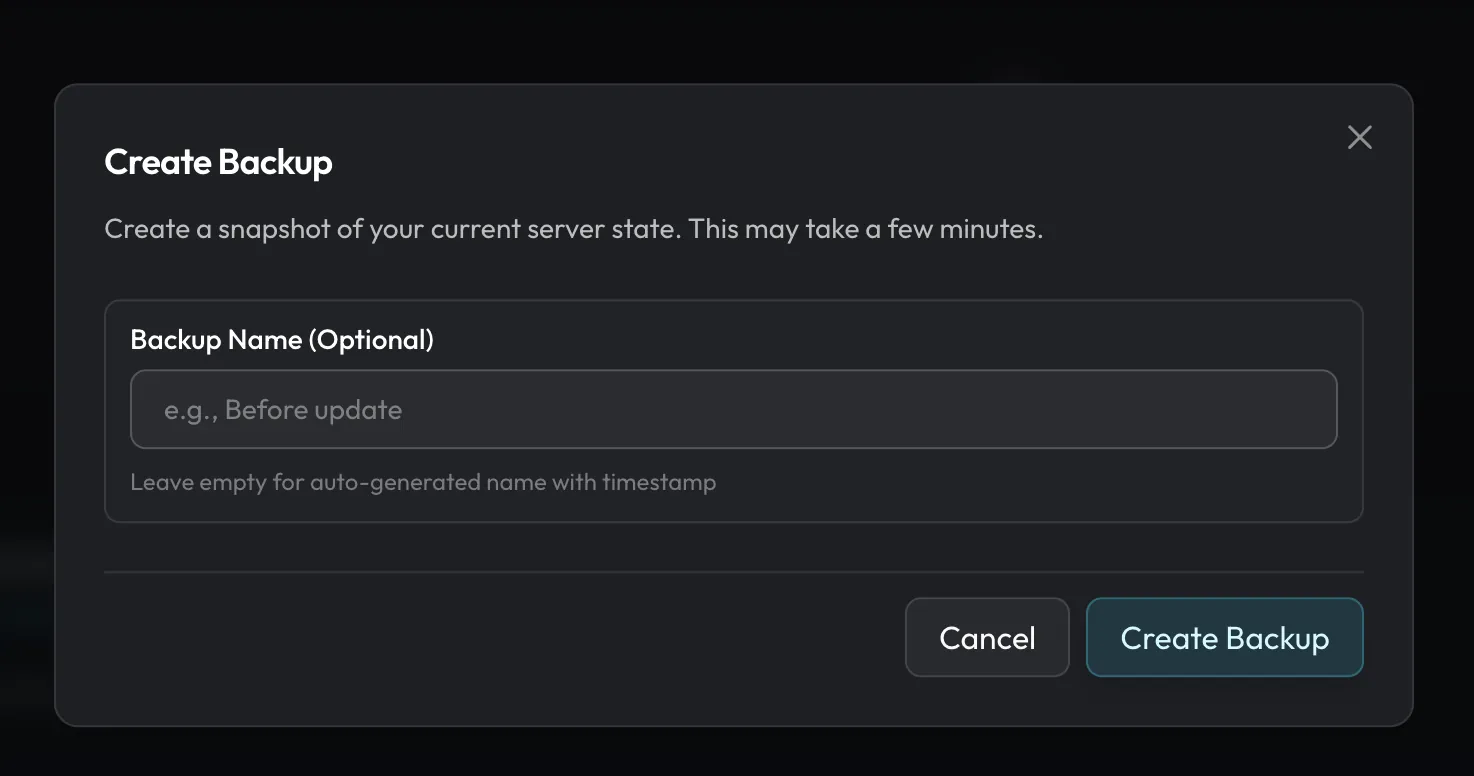
- Stop the server and take a backup. Open Backups and create one. The backup guide has the steps.
- Open the pack settings. Go to Settings → Software & updates and find Installed modpack.
- Start fresh if you want. While the server is stopped, rename the
worldfolder in Files. Minecraft makes a new world on the next start. - Pick Aged 4.0.1. Change version only lists releases for the Minecraft version you run now, so 4.0 won't show there. Press Change modpack, search for Aged, and pick 4.0.1. Your world files stay in place.
- Start and watch Console. Wait for startup to finish, then join.
Moving from a different pack? Tick Save my current world first in the picker. It starts unticked, and the old files are deleted if you leave it. Ticked, the old world is kept in Saves. Install a Minecraft modpack covers the launcher side too.
FAQ
What Minecraft version does Aged 4.0 use?
Minecraft 1.21.1, on Fabric. Aged 3.x used 1.20.1.
Is Aged 4.0 a new modpack?
No. It is a major update to the same Aged pack on Modrinth.
Can I go back to Aged 3.x?
Only with the backup you took before the update. Use Change modpack to pick the last 3.x release (1.20.1), then restore that backup.
Host Aged on berrybyte
berrybyte installs Aged from Modrinth in one click. Automatic backups come with every server. Browse modpacks and pick a plan.