Minecraft Server Hosting
Choose your modpack. We’ll install it and help your friends get connected. Prefer classic Minecraft? We host that too.
Configure your server
★★★★★
Jonahven Draws
berrybyte customer · 11 September 2026
Read on Trustpilot“fast support, simple instructions and overall simplicity to figure things out!”
Play 21,000+ Minecraft modpacks in one click
Choose a pack from Modrinth, CurseForge, or FTB. We install it for you.
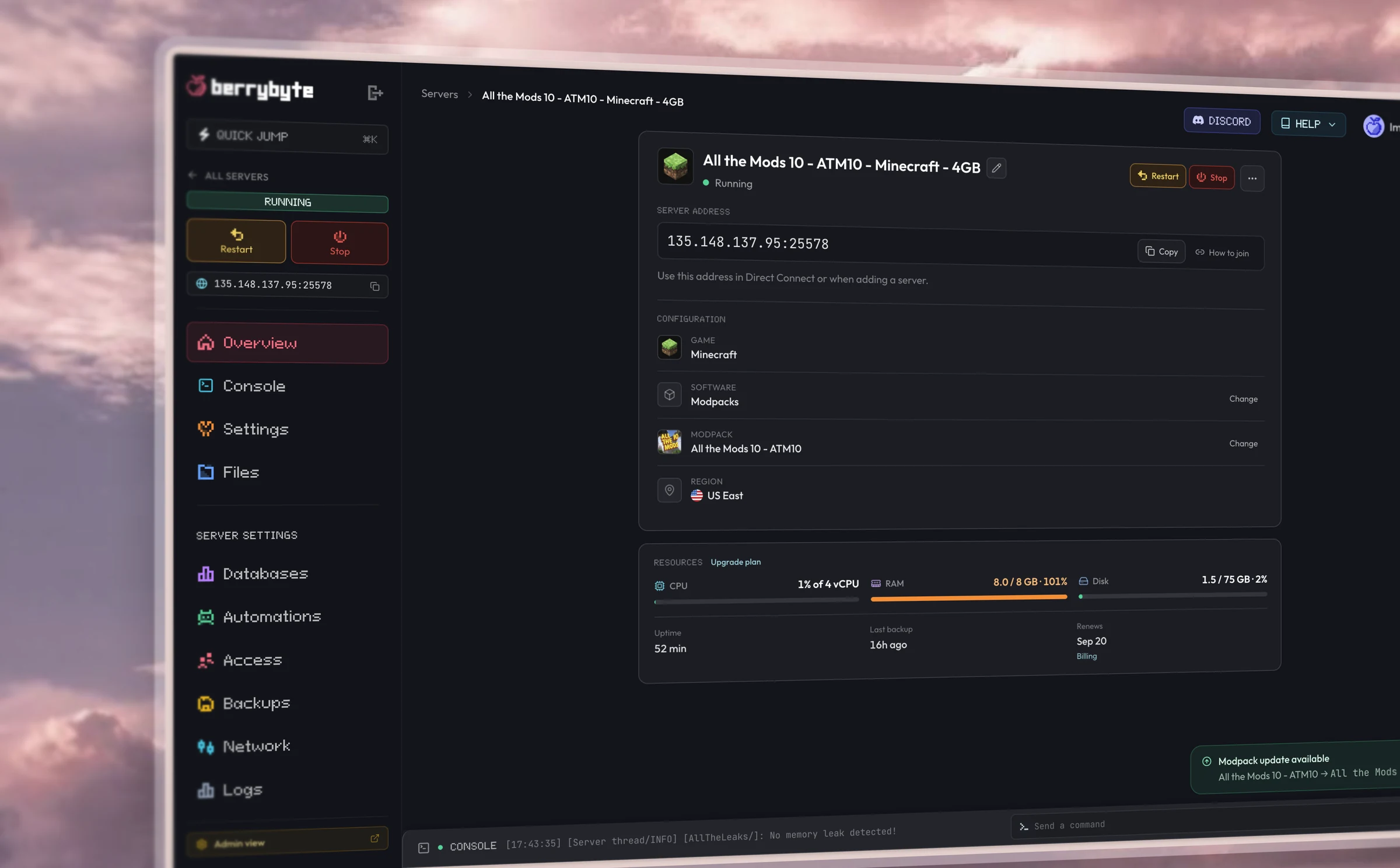
Your server. All in one place.
Switch packs, invite friends, and keep your world backed up. All from your browser.
Free subdomain
NVMe SSD storage
Powerful AMD CPUs
Automatic backups
Fast support
DDoS protection
★★★★★
Zekayi Sezen
Minecraft customer · 26 June 2024
Read on Trustpilot“When I was running a server for my Minecraft Survival Multiplayer at a previous provider, we suffered from a lot of lag because of outdated ressources. I was looking for an alternative and stumbled upon Berrybyte on Reddit and then Discord. I thought to give them a try because the prices were very affordable and I was not let down. Everything ran silky smooth.”
Playing on Java or Bedrock?
Choose a setup that works for everyone in your group.
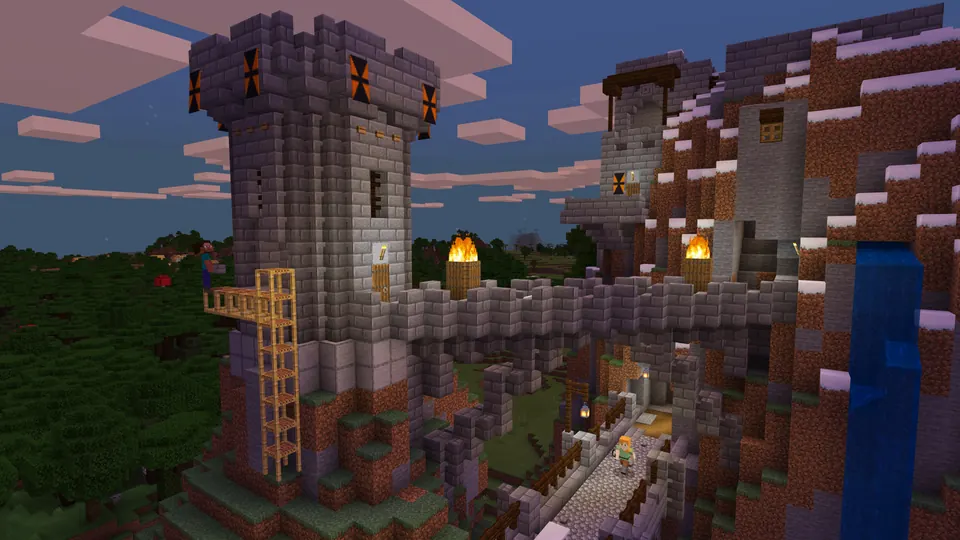
Minecraft Java & modpack hosting
Play on PC, Mac, or Linux. Choose Vanilla for classic Minecraft, Paper for plugins, or a modpack for a new adventure. Everyone joining a modpack server needs the same pack and version.
Bedrock, mobile & consoles
Compatible Java servers can welcome Bedrock players with Geyser crossplay. Most Java modpacks won’t work with Bedrock, and consoles may need extra joining steps. We’ll help you choose a setup.
Helpful Minecraft guides
A little help getting started, adding a pack, or looking after your world.
How to Set Up a Minecraft Server
Choose server software, finish the first boot, and connect to your new world.
How to Join Your Minecraft Server
Connect from Java or Bedrock and share the IP with your friends.
How to Back Up a Minecraft Server
Create consistent backups and restore a world, player data, or server files.
How to Install a Minecraft Modpack
Pick a Modrinth, CurseForge, or FTB pack at checkout or change it on an existing server.
Frequently asked questions.
Need help choosing? Talk to our team.
How much does Minecraft server hosting cost?
Minecraft server hosting starts at $9.95 USD per month. Your price depends on the memory you choose. Setup help and automatic backups are included. You can see each plan’s monthly price in the selector above.
Which Minecraft plan should I choose?
Start with 4 GB for a small group playing classic Minecraft. Step up to 8 GB for plugins or a light modded world. ATM10 and Better MC start at 8 GB; choose 12 GB for a busier modded world. More players, exploring, and large builds can need more memory. You can upgrade later.
Can I use my own mods or server software?
Yes. Choose a modpack for automatic installation, or use the Server type selector to choose Vanilla, Paper, Fabric, Forge, or NeoForge. You can also upload your own files from the dashboard.
Do you support Minecraft 26.3 and older modpacks?
Yes. You can host Minecraft 26.3 Wilderness Bound or use the version your modpack needs. Packs such as ATM10 and Better MC use their own supported Minecraft versions; everyone joining should install the same pack and version as the server.
How fast is setup?
Installation starts after checkout. Large modpacks and new worlds can take several minutes to install and start. Your dashboard shows progress and joining instructions; support can help if you get stuck.
Can Bedrock or console players join?
Geyser crossplay lets Bedrock players join compatible Java servers. Most Java modpacks do not support Bedrock, and consoles can need extra joining steps. Contact our team before ordering if your group uses different editions.
Can you transfer my existing Minecraft world?
Yes. Open a support ticket and we’ll help move your world, settings, and compatible plugins or mods from your current host at no extra charge.
What hardware and protection are included?
Our Minecraft servers use AMD Ryzen processors and NVMe storage, with DDoS protection and automatic backups included. Performance also depends on your pack, world, player activity, and connection. Pick a nearby location and a plan suited to your group.
Can I try it before committing to a longer plan?
Start with monthly billing. New purchases include a 7-day money-back guarantee: request a refund through support within 7 days if it isn’t right for you. Read the refund policy. You can cancel from your dashboard.