Minecraft server management guides
Learn how to configure and manage a Minecraft Java server, install modpacks, enable Bedrock crossplay with Geyser, move worlds, tune performance, and fix connection errors.
Minecraft on berrybyte is Java Edition. You can run Vanilla, Paper, Fabric,
Forge, NeoForge, SpongeVanilla, and proxy options, plus modpacks from Modrinth,
CurseForge, and FTB. Want Bedrock players on your world? Download the
Geyser plugin and upload it through
Overview → Plugins → Manage plugins, which opens Files at plugins/.
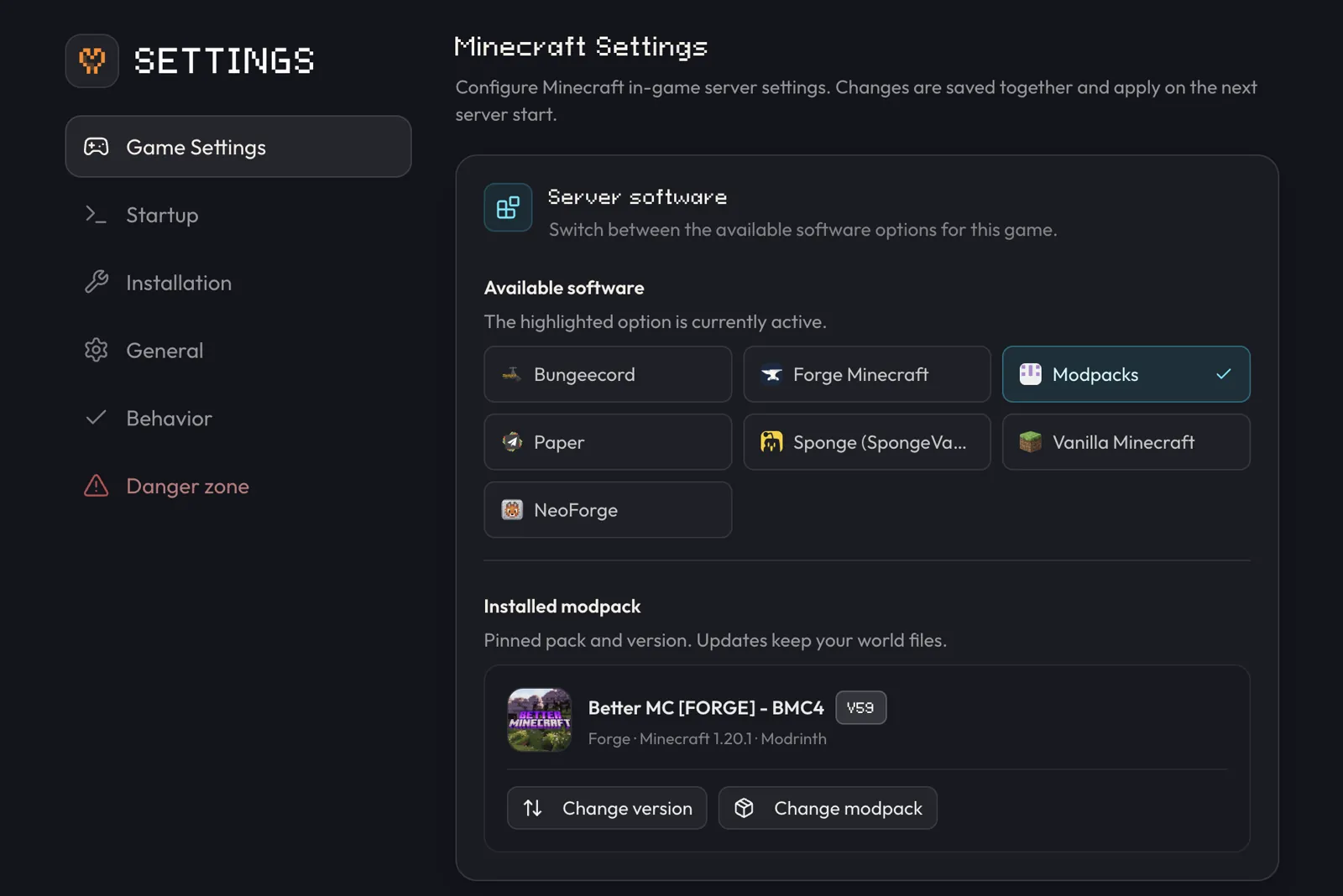
Change the server type from Overview → Configuration → Software → Change or Settings → Game Settings → Server software. This is a guided picker, not a simple dropdown: changing the loader, version, or modpack can require the server to be offline while the game files are reset.
Popular guides
Choose server software, finish the first boot, and connect to your new world.
Host ATM10Run regular All the Mods 10 with the exact NeoForge release.
Host CobblemonStart the official Fabric pack and keep every player on the same release.
Host DeceasedCraftConfigure the standard zombie-apocalypse pack and avoid DH edition mismatches.
Host DawnCraftKeep Forge, Java, quests, resources, and datapacks matched.
Host Prominence IISet up the Fabric RPG campaign and protect player progression.
Host ATM10 AeronauticsRun the separate Aeronautics pack, not regular ATM10.
Host PixelmonInstall The Pixelmon Modpack 9.3.16 on NeoForge, not Cobblemon.
Host Better MCRun Better MC [FORGE] BMC4 for Minecraft 1.20.1, not BMC5 or Fabric.
Host RLCraftStart official RLCraft 2.9.3 on Minecraft 1.12.2 with Java 8.
Host COBBLEVERSERun the Cobblemon adventure pack with gyms, badges, and every Pokémon.
Host StoneBlock 4Play FTB's underground survival pack with friends on NeoForge.
Host Medieval MCInstall MMC4 from CurseForge and keep every player on the same release.
Host Cobblemon DeltaRun your own private Cobblemon Delta world with voice chat.
Join your serverConnect with Java Edition and fix the usual connection errors.
Can't connect?Check version and pack first, then address, whitelist, mods, and timeouts.
Manage ops and the whitelistGrant operator access, approve players, and protect admin permissions.
Back up and restore a serverProtect worlds and player data before updates, software changes, or imports.
Install a modpackPick a Modrinth, CurseForge, or FTB pack and match it on every launcher.
Add Simple Voice ChatProximity voice with a UDP port, one config line, and the client mod.
Create your first serverThe checkout-to-playing walkthrough, if your server doesn't exist yet.
World tools
Use Chunker to move a world between editions.
Convert a Bedrock world to JavaExport from Bedrock and bring it onto your Java server.
Performance and troubleshooting
Why your server shows 100% RAM usage, and how to check real usage.
Pre-generate the world with ChunkyWrite chunks to disk before anyone explores, and cut live worldgen lag.
Can't connect — every fixThe ordered diagnostic: version, address, whitelist, mods, then timeouts.
Fix connection timed outDiagnose and fix the most common join failure.
Fix kicked for flyingEnable elytra and flight in one setting.
Quick reference
| Setting | Where |
|---|---|
| Server address | Overview → Server address |
| Server type / version | Settings → Game Settings → Server software |
| Modpack | Overview → Modpack → Change or choose Modpacks in the picker |
| World files | Files → world/ |
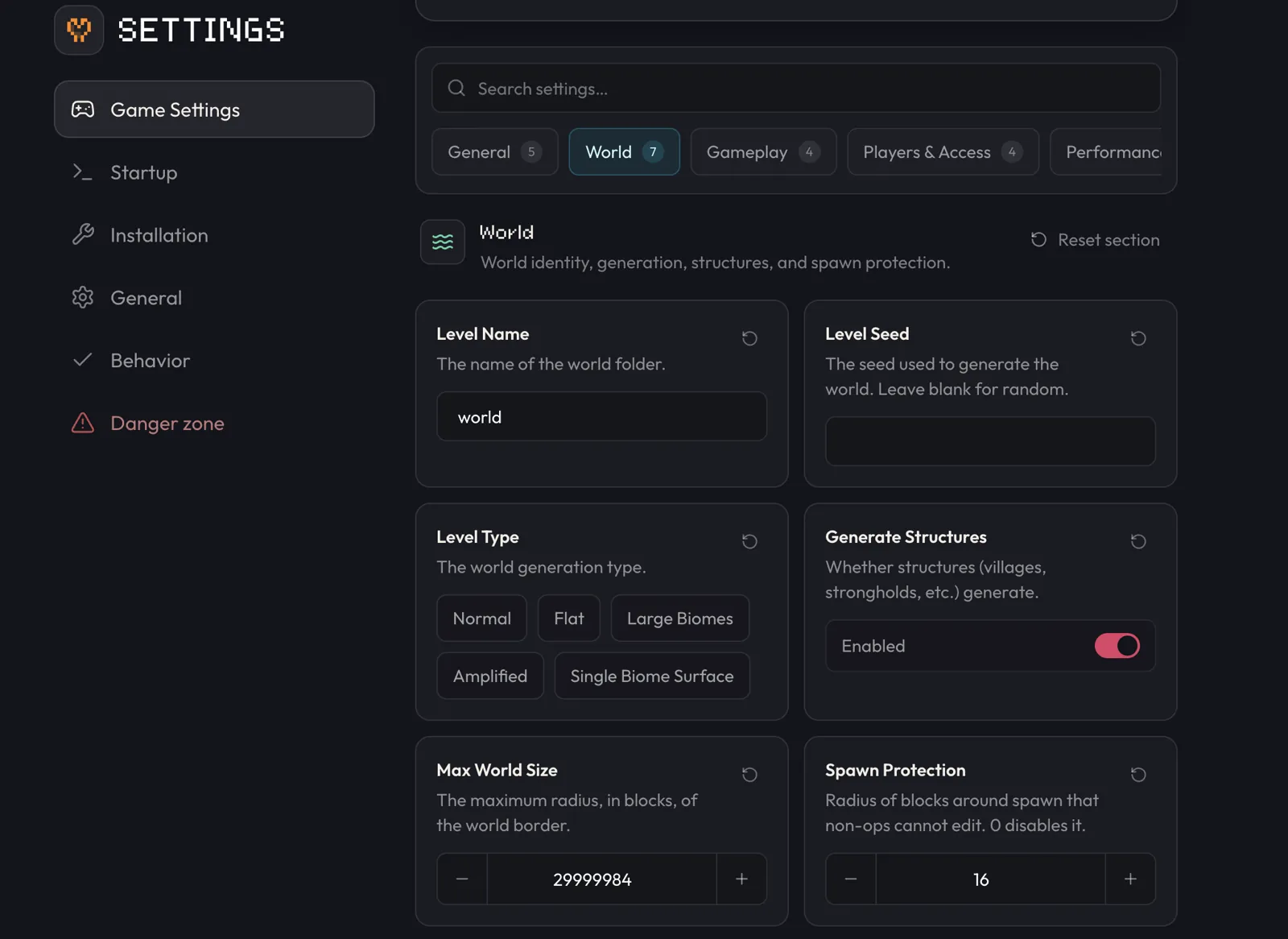
| Common server settings | Settings → Game Settings |
server.properties | Files → server.properties |
| Paper plugins | Overview → Plugins → Manage plugins (opens Files → plugins/), then Upload |
A typical server.properties tweak looks like this:
max-players=20
view-distance=10
white-list=true
motd=our survival world, be nice
For common settings such as player limit, whitelist, MOTD, and view distance,
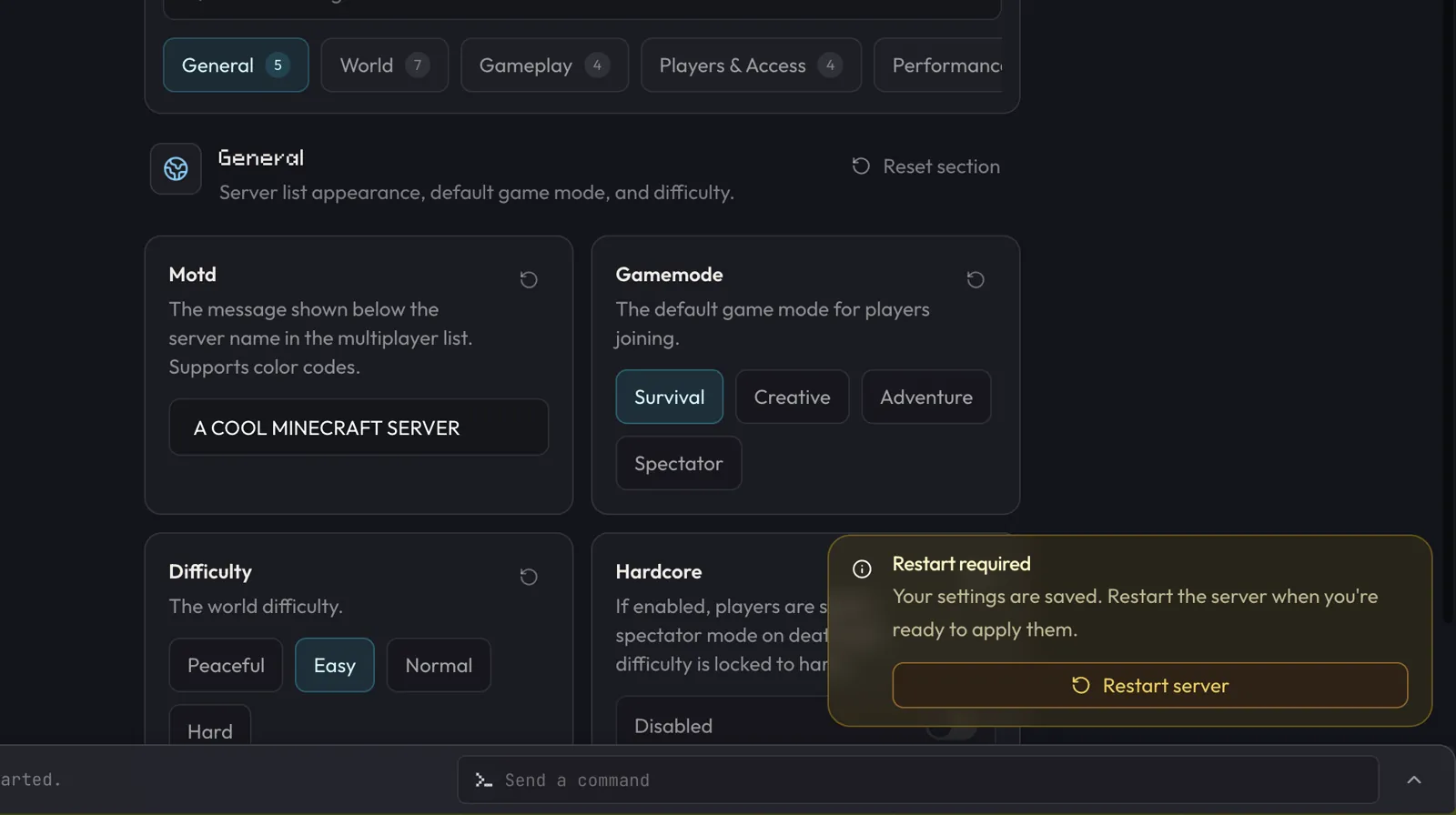
prefer Settings → Game Settings. After saving, a running server shows
Restart required; an offline server applies the settings on its next start.
You can still edit server.properties yourself in Files when you need a
setting that is not in Game Settings yet.
Frequently asked questions
Does berrybyte support Minecraft Bedrock servers?
Not currently. berrybyte hosts Minecraft Java Edition servers. Bedrock players can still join a Java server for crossplay, covered in the next question.
Can Java and Bedrock players play together?
Yes. On a Java server (Paper and similar), download the Geyser plugin from geysermc.org and upload it to plugins/ through Overview → Plugins → Manage plugins so Bedrock clients can join.
Can I change server type without losing my world?
Changing the loader, version, or modpack can require the server to be offline while berrybyte resets the game files, and the picker warns you when it does. Create a backup first so worlds and configs can be restored afterwards.
How do I install a modpack?
Open Overview → Modpack → Change, or choose Modpacks in the server type picker. Packs come from Modrinth, CurseForge, and FTB and install without manual file uploads.