Palworld Server Hosting
Keep your Pals, your base, and your friends together. Host Palworld 1.0 with crossplay and mod support—we’ll help you get connected.
- PC
- Xbox
- PS5
- Mac
Installation starts after checkout. Your first world can take a few minutes to load; we’ll help you get connected. How setup works
Configure your server
Installation starts after checkout. Your first world can take a few minutes to load; we’ll help you get connected. How setup works
★★★★★
Mike Chenault
Palworld customer · 28 January 2024
Read on TrustpilotRead more reviews“I have a Palworld server that had issues due to a Palworld bug and they went above and beyond to restore my server and my save files.”
Palworld hosting, your way.
A dedicated Palworld server keeps your shared world online, even when the person who started it logs off.
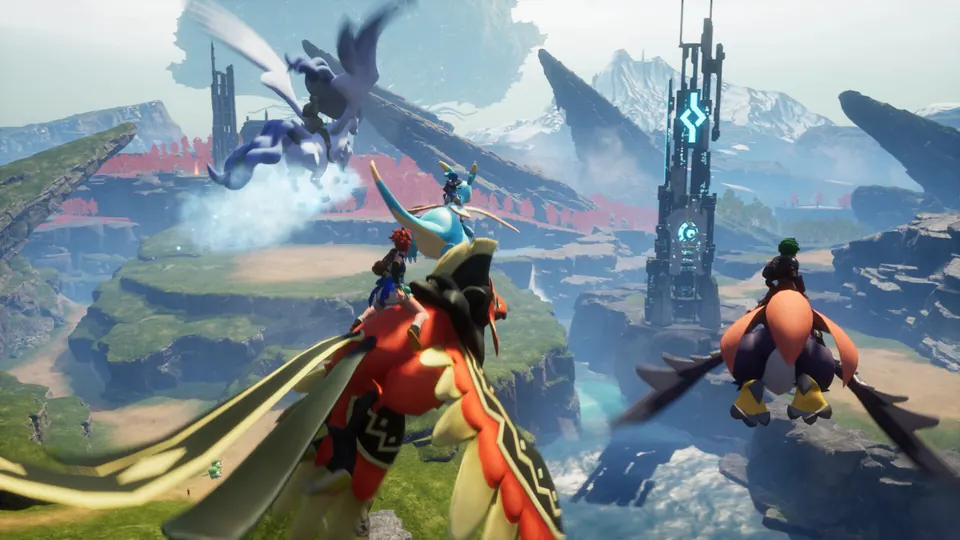
Bring the whole group
Play together across Steam, Xbox, PS5 and Mac. Your dashboard shows how to join on each platform, so everyone can find the same world.
Keep the world you’ve built
Switching hosts or moving from co-op? Ask our team to check your save and help with the move for free. We’ll help you work out what can transfer before you start over.
Make it yours with Palworld mods
Install compatible server mods through the file manager or SFTP. For a mixed PC and console group, check whether each player needs the mod too. You can also change difficulty, day length and raids from Game Settings.
Less managing. More Palworld.
Get your friends connected, make the world your own, and look after your progress. Here’s how it works in your dashboard.
Your next session starts here.
Find your server name and address on the overview. PC players can connect by address; Xbox and PlayStation players find your world in Community Servers.
How to join your server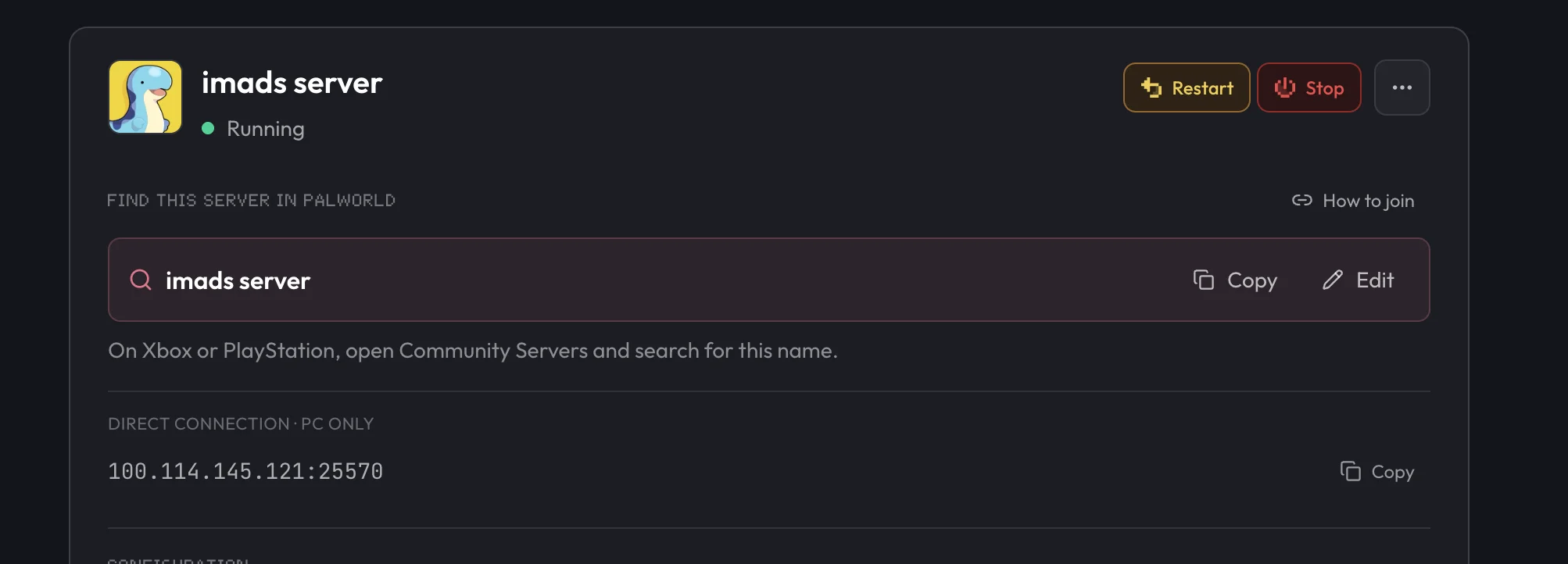
A little help with Palworld.
Start with a guide, or ask our team. Setup and migration help are included with your server.
How to Set Up a Palworld Dedicated Server
Get a dedicated Palworld server online and share it with your friends in minutes.
How to Join a Palworld Server
Find your IP, connect from Steam or Xbox, and get friends into the world.
Palworld Server Settings Explained
Every PalWorldSettings.ini option in plain English, and how to change them safely.
How to Install Mods on a Palworld Server
What server-side modding supports today, and how to install mods through the panel.
Frequently asked questions.
Need help choosing? Talk to our team.
How much does Palworld server hosting cost?
Palworld server hosting starts at $9.95 USD per month. Your price depends on the player slots you choose. Setup help and automatic backups are included. You can see each plan’s monthly price in the selector above.
Will my friends be able to play while I’m offline?
Yes. A dedicated Palworld server stays online independently of your PC. Your friends can join whenever they want while the server is running.
Who can join, and does crossplay work?
Palworld dedicated servers support crossplay across Steam, Xbox, PS5 and Mac. PC players can use the server address. Console players find the world in Community Servers. Crossplay lets you play together; it does not transfer your character between platforms.
Can I move my single-player or co-op save?
We offer free help moving an existing world. Transfers depend on the original platform and the save files you can access; some co-op saves need extra steps to preserve the host’s character. Contact us before buying if you want us to check your save.
How many players can join?
Palworld dedicated servers support up to 32 players. Plans start at 4 players for small co-op, with 8 players recommended for most groups. Scale up anytime as more friends join.
Can I change PvP, difficulty, and other settings?
Yes. Open Game Settings in your dashboard to adjust the available world, difficulty and player options. For advanced configuration, you have full file access and can use the Palworld Server Settings Generator.
Can I add mods to my Palworld server?
You can install compatible server mods using the file manager or SFTP. Some mods also need to be installed by each player, which can limit console crossplay. Our modding guide explains what to check before installing.
Do you keep Palworld servers on the latest version?
With Auto Update enabled, the latest dedicated-server build installs when the server starts. After an update, restart your server and make sure your group has updated the game too.
What if the server isn’t right for me?
New purchases include a 7-day money-back guarantee. Request a refund through support within 7 days of purchase. Read the refund policy. You can also cancel future renewals from your dashboard.