TL;DR: Homestead 2.0 came out on October 23, 2026, for Fabric on Minecraft 1.20.1. Eight mods were removed, and four of them take their blocks and items out of old worlds. Have everyone empty Storage Drawers and Iron Chests into Sophisticated Storage, take a backup, then update the server and every player's launcher together.
Can you update an existing Homestead server to 2.0? Yes, and your world keeps working, but anything stored in or made from those four mods is deleted when it loads on 2.0. Move those items first, and keep a backup so you can roll back.
The Homestead modpack installs on berrybyte in one click from Modrinth. Start a Homestead server if you want a fresh 2.0 world.
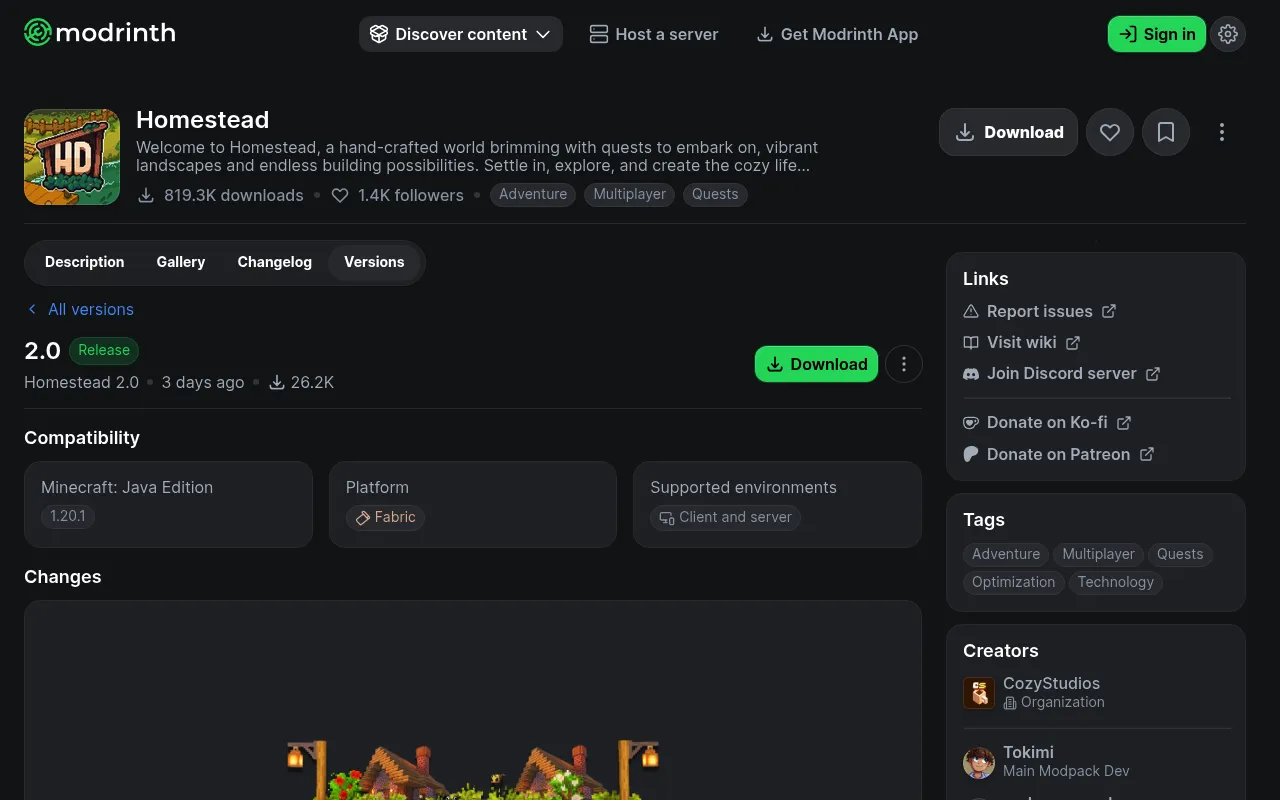
What's new in Homestead 2.0
The pack author calls 2.0 "The Final Content update for Homestead." The announcement says fixes will still come. Highlights from the full changelog:
- New mods, including Better Days, Let's Do: Bakery, Icy's Better Horses, and The Ultimate Compat Mod.
- New End content, such as Echoes of The End structures and Dyed End.
- A new horse questline and a Bakery questline called Bread & Butter.
- A longer day: 25 minutes of daytime and 15 minutes of night.
- New and updated world gen mods.
What breaks when you update
These are the changes the pack author flags as game-breaking. They come from the changelog and the Cozy Studios 2.0 announcement.
- Storage Drawers and Iron Chests: Restocked are removed. Move every item into Sophisticated Storage before the update. If you skip this, the announcement says "every item inside those blocks will be gone forever."
- Eldritch End is removed. All its items and blocks leave the world, armor and gear included. Take the enchantments off that gear first.
- Copper Age Backport is removed. Vanilla Backport now covers that content. Its blocks and items disappear, and the changelog says "There's no way to save them."
Want to keep the storage mods? The announcement has a way. Update the pack, add those mods back, and only then load the world.
Your old world still loads. Only new chunks get the new terrain and biomes. The author "HIGHLY" recommends a new world, but it is not required.
How to update your Homestead server
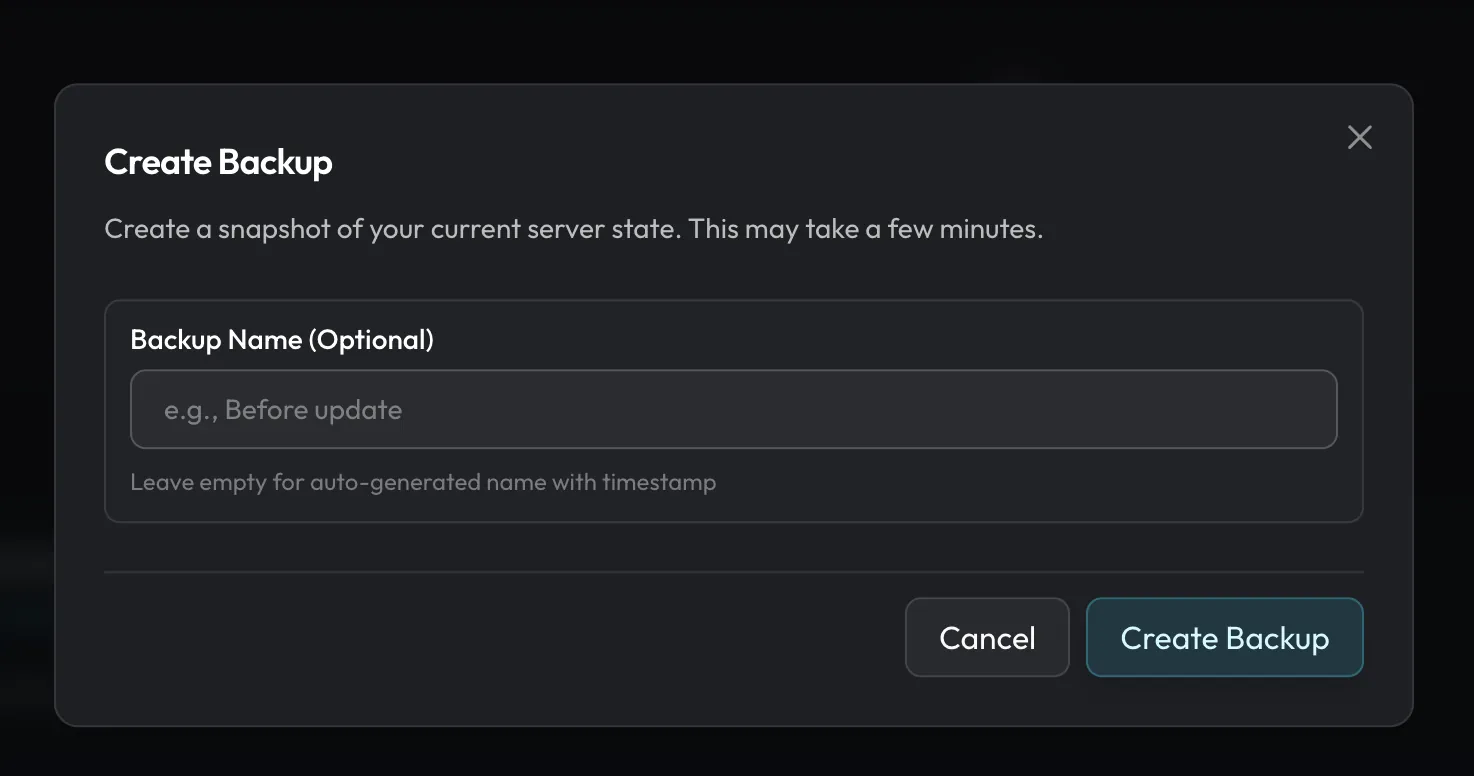
- Tell your players. Ask everyone to empty their drawers and iron chests into Sophisticated Storage. Ask them to strip enchantments off Eldritch End gear.
- Stop the server and take a backup. On berrybyte, create one from Backups. The Minecraft backup guide covers the steps.
- Update the pack. Open Settings → Game Settings. Under Installed modpack, click Update or Change version and pick 2.0. The server stops while 2.0 installs, and your world files stay in place.
- Start and watch Console. Wait until startup finishes, then join and check your bases.
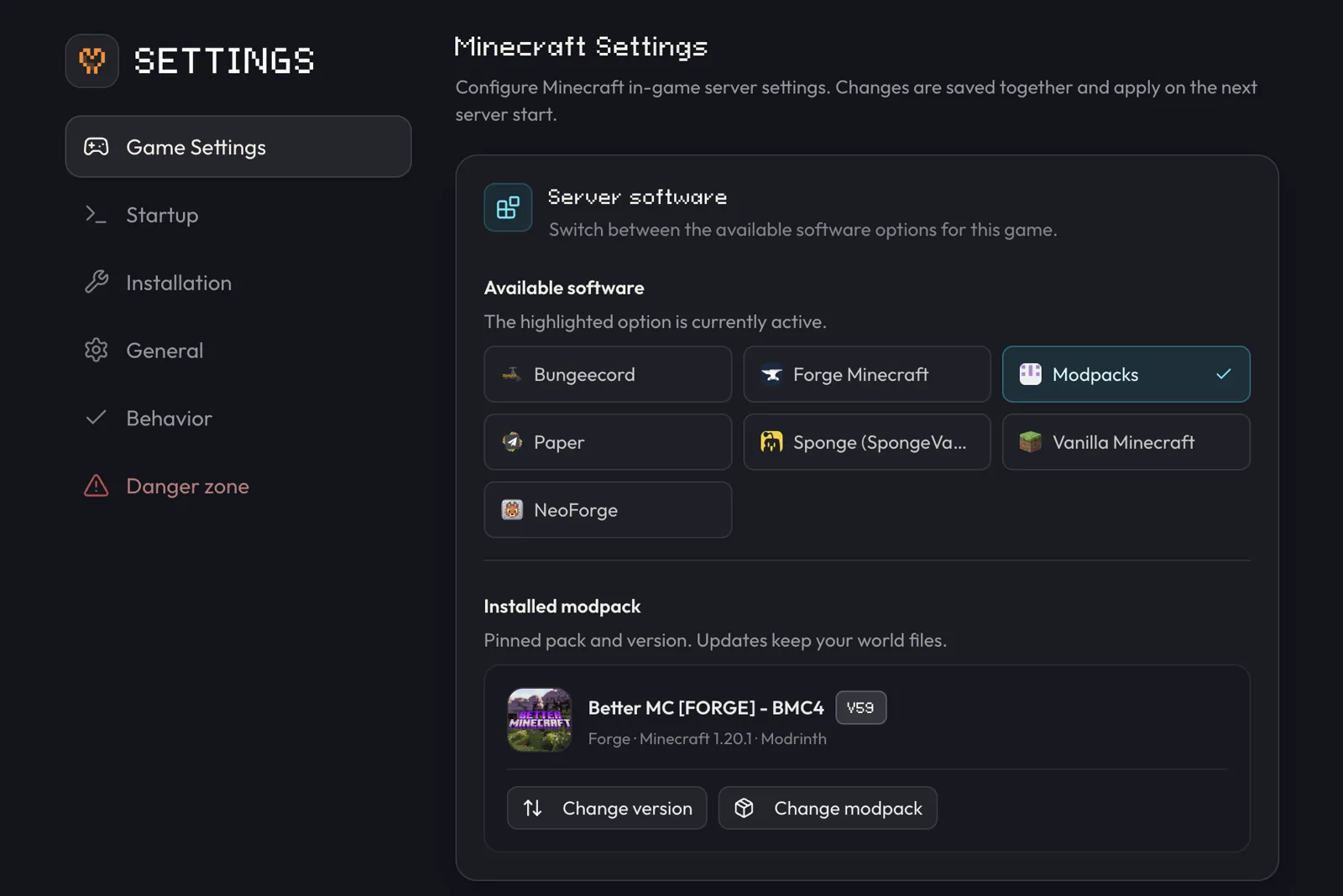
Every player must also update to 2.0 in their launcher. A 1.x client usually can't join a 2.0 server. See installing modpacks for the launcher side.
The 2.0 notes give no server RAM number, so check our modpack RAM tool before you pick a plan.
How to roll back to 1.3.7
The last 1.x version is 1.3.7, from May 19, 2026. Stop the server and use Change version to pick 1.3.7. The dashboard shows a downgrade warning here, which is expected.
Then restore the backup you took before the update, so the world is your pre-2.0 copy. Don't just load a world that already opened on 2.0, because its removed items are already gone.
FAQ
Is Homestead 2 a new modpack?
No. The announcement says 2.0 is an update to the pack you already play. There is no separate "Homestead 2" pack.
Do I need a new world for Homestead 2.0?
No, but the author recommends one. Old worlds keep working, and new chunks get the new terrain.
What happens to items in Storage Drawers if I forget?
They are deleted when the world loads on 2.0, unless you add the mod back before loading. Restore your backup to get them back.
Host Homestead 2.0 on berrybyte
berrybyte installs Homestead from Modrinth in one click, with Fabric set for you. Automatic backups come with every server. Pick a plan for your Homestead server.