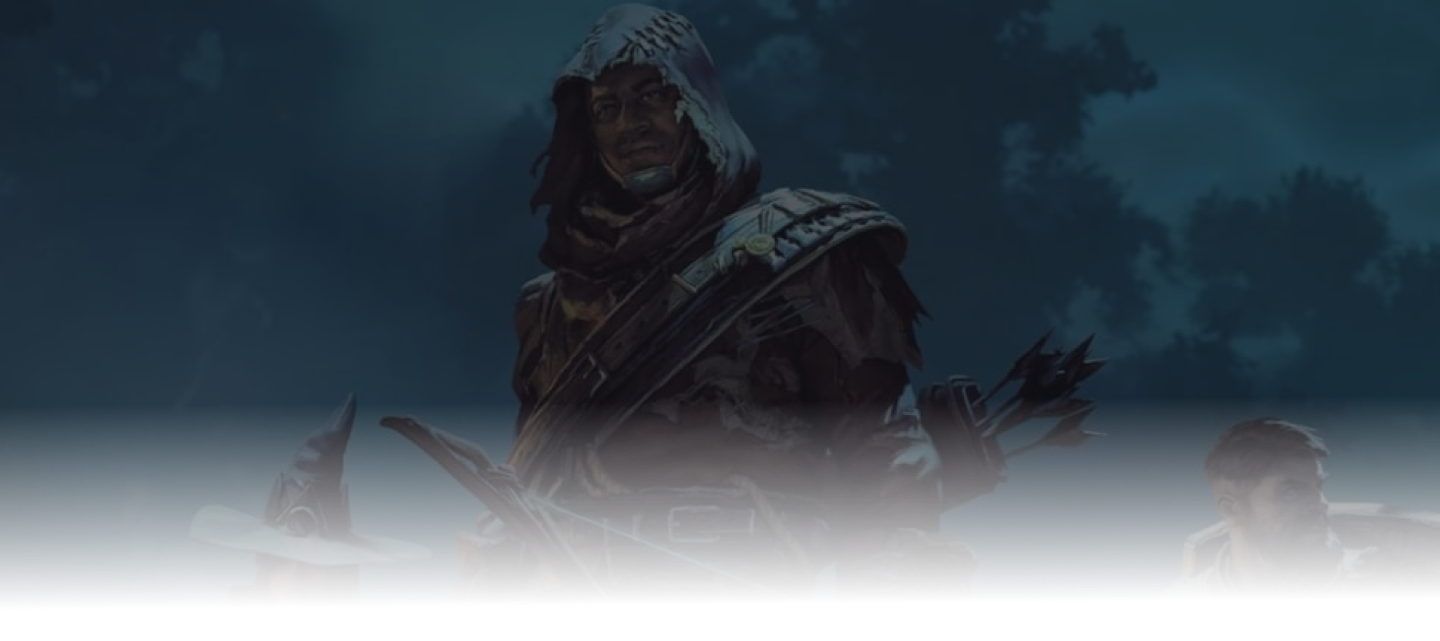
Enshrouded 1.0 is out. Keen released it on October 15, 2026, ending more than two years of Early Access. If you own the PC version, the update is free. If your group stopped at the Kindlewastes or the Albaneve Summits, the finished map and the end of the story are the reasons to come back.
This post covers what changed for multiplayer and servers, how to update a server you already have, and whether to keep your world.
What changed in 1.0
Keen's 1.0 changelog is huge. These are the parts that matter most for groups and server owners:
- The full map. Cinder's Cradle opens north of the Veilwater Basin: a lava wasteland below and floating islands above. Two new Hollow Halls open in the Albaneve Summits and the Veilwater Basin, and the edges of the Springlands, Blackmire and Kindlewastes are bigger.
- The story ends. The main quest concludes, the player level cap rises to 50, gear upgrades go to 55, and Flame Altars reach level 15.
- More for mages. Nine new spell types, summonable skeletons, and upgradeable eternal spells and arrows. The skill tree also gained new skills.
- Sparkworks. A logic system for building your own traps, puzzles, arenas and dungeons inside a shared world.
- Server settings and performance. Enemy amount has a new Automatic option that scales encounters to the players nearby, and the enemy damage values were reworked. Server performance warnings no longer trigger too early, server and client communication uses less memory, and gliding depends less on the server's tick rate.
On dedicated servers, user groups and their passwords work as before. Unlike player-hosted worlds, you can't promote or demote players in-game on a dedicated server, so permissions still come from the group passwords.
Update your existing server
The server and every player must run the same game version.
On berrybyte:
- Back up. Stop the server and create a backup before it starts on 1.0.
- Update. Open Settings → Game Settings and turn on Auto Update.
- Start. Start the server and watch Console until
HostOnlineappears. The first start can take longer while the update downloads. - Update players' games. Each player lets Steam finish the 1.0 update before launching.
- Test joining. Have one player join first and check the world, a familiar base, and chest access. Then invite everyone else.
Self-hosting, or want the details? The Enshrouded update guide covers SteamCMD and recovery.
Keep your world or start fresh
There's no wipe. Keen's launch FAQ confirms Early Access saves work in 1.0. The game uses a new, smaller save format, and Keen's notes say an older save is backed up and then converted the first time 1.0 loads it.
Two things change when you load an old save:
- The skill tree resets. Every player needs to spend their points again.
- The conversion is one-way. Keep your own backup from before the update, in case you need the Early Access version of the world.
Keen also strongly encourages starting over, because the first hours of the game were reworked. For a returning group:
- Keep your world if your bases matter. Respec together before heading out.
- Start fresh if you want to experience the new early game and the full map from the beginning. Keep the old world's backup.
Bringing a world from your own PC or another host? Follow our world migration guide. Your characters and worlds now have separate Local and Steam Cloud tabs in the menus, so check both if a save seems to be missing.
Check platforms and connections
PS5 players can't join PC servers. Enshrouded launched on PS5 and PS5 Pro on the same day, but Keen says it isn't cross-platform at launch. Keen is working on cross-platform play with no estimate yet. berrybyte now offers both PS5 and PC servers; choose the platform your group uses. Our Enshrouded PS5 server guide covers PlayStation setup, joining and connection checks.
Still unconfirmed: Keen hasn't published separate notes for the dedicated server, so how the 1.0 server converts an Early Access world on its first start isn't documented yet. Back up first, and expect the first start to take longer than usual.
If someone can't join, check these first:
- Versions match. Close Enshrouded completely and let Steam finish updating, then restart the server once.
- The world finished loading. Wait for
HostOnlinein Console before anyone joins. - The address includes the port. Copy it again from Overview.
- The password matches the role you want. Friends need the Friend or Guest password, not the Admin one.
The connection troubleshooting guide covers everything else.
Start a PC server with friends
A dedicated server keeps Embervale online, so your group can build and explore without waiting for the host's PC.
- Choose a plan on berrybyte Enshrouded hosting with enough slots for your group, up to 16 players.
- Wait for setup to finish and for
HostOnlineto appear in Console. - Copy the Server address from Overview and share it privately with your Friend password.
- Your friends open Play → Join, search by IPv4/Domain with the address, and enter the password.
Our server setup guide walks through each step.
Host Enshrouded 1.0 on berrybyte
Start an Enshrouded server on berrybyte from $9.95/month, with automatic backups and full file access. Already have a world? Mention it when you open a support ticket, and our team will move it to your server for free.