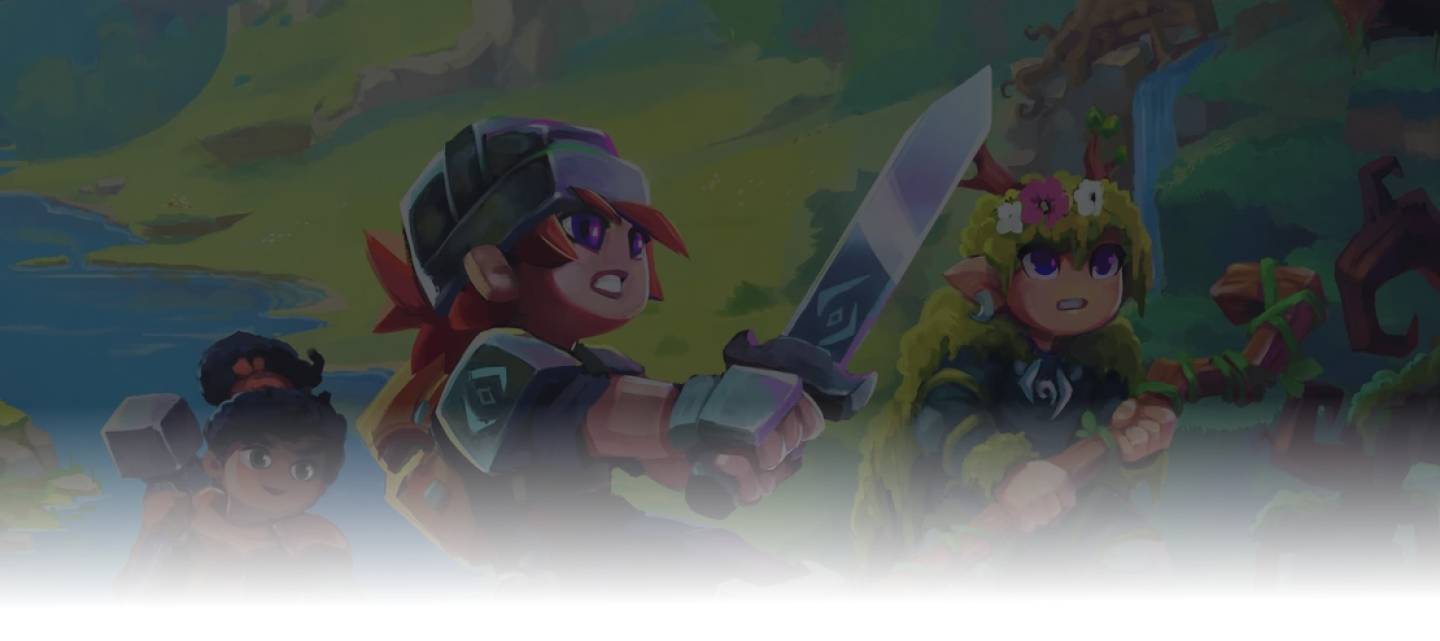
Hytale Chapter I, Out of the Breach, launches on Monday, October 12, 2026 at 10:00 AM ET. Hypixel confirmed the date in the official Chapter I teaser, and Simon announced the chapter title and release time. It's the biggest content drop since Early Access began: a boss dungeon, a goblin faction, new gadgets, and a rune system for combat.
If your group stopped playing a while ago, this is a good week to get them back. Below is what's coming, what happens to your existing world, and a short checklist so launch night goes smoothly.
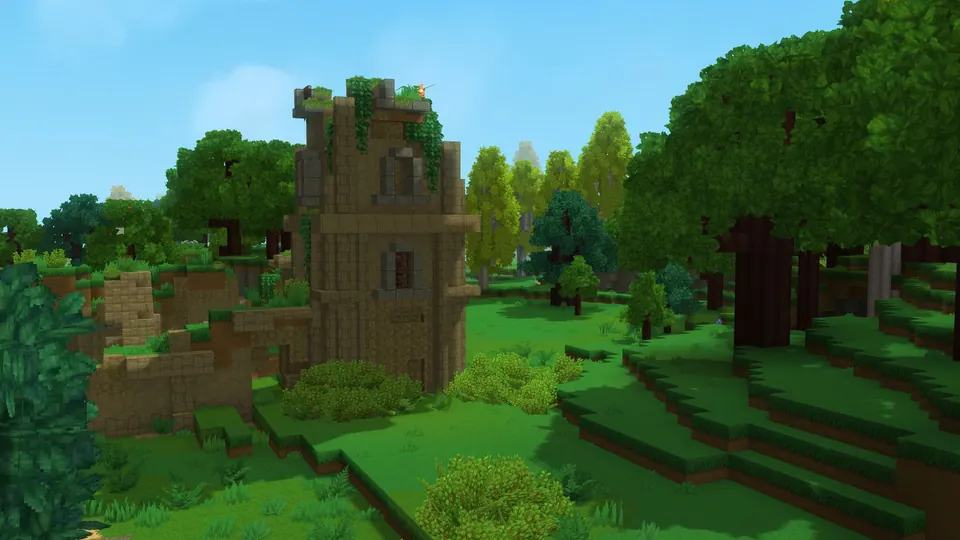
Hytale Chapter 1 at a glance
| Question | Answer |
|---|---|
| Release date | Monday, October 12, 2026 |
| Chapter | Chapter I: Out of the Breach |
| Release time | 10:00 AM ET (2:00 PM UTC). See it in your zone on the Chapter 1 countdown |
| Extra copies | Cursebreaker Edition owners get one standard copy to give away for each early access chapter |
| Will it wipe my world? | No reset has been announced. Existing worlds upgrade automatically when they first load on the new version |
| Do I need to update my server? | Yes. Players and the server must be on the same version to connect |
| Will my mods still work? | Depends on each mod. Check with the author before you update |
| Can I test it early? | Yes, on the pre-release patchline. Use a copy of your world |
What's new in Chapter 1
Hypixel's Chapter 1 first look covers the main additions:
- A handcrafted dungeon and boss fight. It's Hytale's first dungeon, and the boss fight moves through several phases, with waves of enemies and an arena that changes as you go.
- Goblins. A new faction with different roles, including elites like the Feastmaster, who calls in reinforcements mid-fight.
- Goblin Breach. A world event that opens temporary portals into an unstable fragment of Orbis. It's different every visit, and the Void pushes you out eventually, so grab the loot while you can.
- Goblin gadgets. Rocket boots, a hookshot, a glider, a mining drill, a spyglass, and boats.
- Runes. You equip ability runes for active combat skills, then add modifier runes to change how they work. Expect about six of each at launch.
- The Forgotten Temple. The progression hub for Early Access. Hypixel says it will grow with each chapter.
Some features you may have seen announced have their own schedules. Spectator and Hardcore modes, the Mod Browser, and moving platforms were given shorter separate timelines in the July preview. Minigames are further out, and the crafting rework is planned for Chapter 2.
Chapter 1 content is already being tested in waves on the pre-release patchline as Update 7. The October 1 wave lets you turn World Events on or off for Exploration worlds, which matters if your group doesn't want Goblin Breaches showing up in a building world. Hypixel says the pre-release will "change a lot" before launch, so take the final patch notes as the source of truth.
What happens to your existing world
Hypixel hasn't announced a world reset for Chapter 1. The Update 7 notes say existing worlds upgrade themselves the first time they load on the new version.
That's convenient, but it only works one way. Once the new version opens your world, assume the old version can't open it again. Back up before your first launch on Chapter 1. If something goes wrong, the backup is how you get your world back.
Then decide as a group:
- Keep your world. Your builds and progress carry over. Test a copy first if you rely on mods.
- Start a fresh world. A good choice if your group wants to experience the new content from scratch. Keep the old world backed up so you can go back to it.
Want to move a singleplayer or self-hosted world onto a server so everyone can play it anytime? Our world migration guide walks through it. On berrybyte, our team will also help you move it for free.
Your Chapter 1 server checklist
Do this before October 12 so launch day is just "update and play".
1. Take a backup while the server is stopped
Ask everyone to log off, stop the server, and create a backup. A backup taken while the server is stopped won't catch the world mid-save. Keep this copy until you're confident Chapter 1 runs well on your world.
2. Write down your mods
List each mod's file name and version, and keep a copy of its config. Then check whether its author has a Chapter 1 build or has said it works. If you plan to remove a mod that adds blocks or items, try it on a copy of your world first, since removing it can affect saved builds.
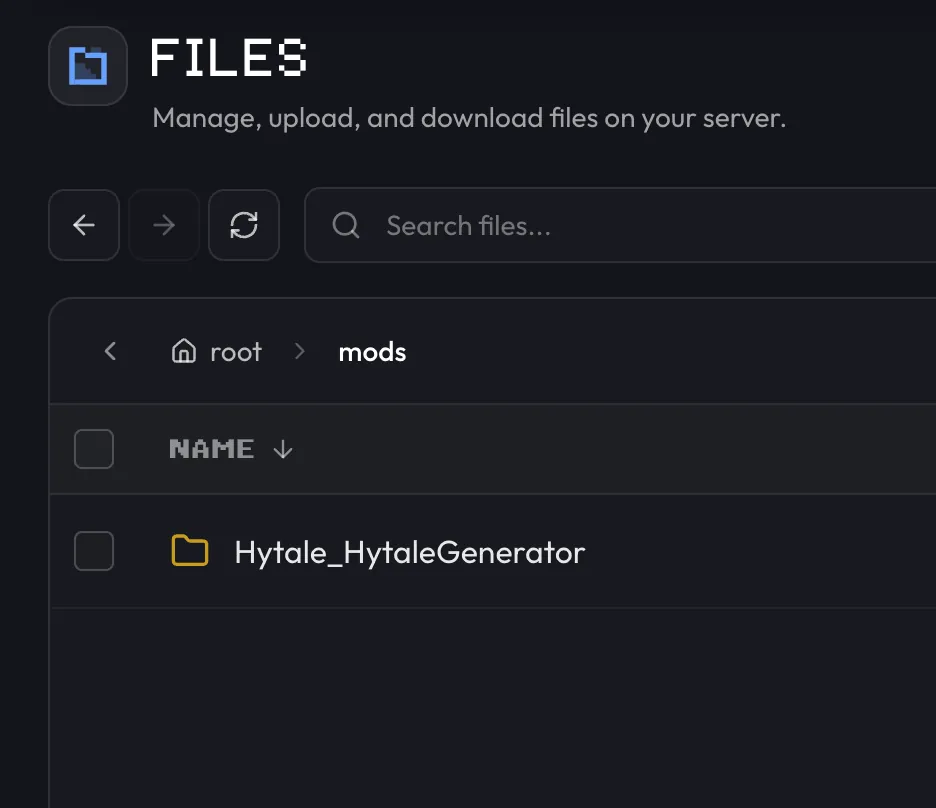
Our Hytale mod installation guide covers adding and updating mods.
3. Pick your patchline
Use release for your main world. That's where Chapter 1 lands on
October 12. If you want to try the new content early, run pre-release on
a separate test server with a copy of your world. Everyone joining it
needs their launcher on pre-release too.
4. Check your server has enough headroom
New dungeons and world events can mean more players spread out across the map at once. Hypixel's minimum is 4 GB of RAM. We recommend 8 GB for most groups of friends, and more for heavy mod lists or players exploring far apart. The Hytale server requirements calculator gives you a starting point for your group size.
5. Pick a time and tell your group
Updates take a few minutes to download and start, and you'll want to test before everyone piles in. Set a play session for a little after launch and share it in your group chat or Discord.
Updating your server on launch day
Once Chapter 1 is out on the release patchline:
- Tell players you're starting maintenance, then stop the server.
- Take one more backup.
- In the berrybyte dashboard, open Settings → Game Settings. Turn on
Auto Update and check that Patchline is set to
release. - Upload any updated mods, then start the server. Watch Console until the download finishes and the server is running.
- If the server asks you to sign in again, complete Hytale Link.
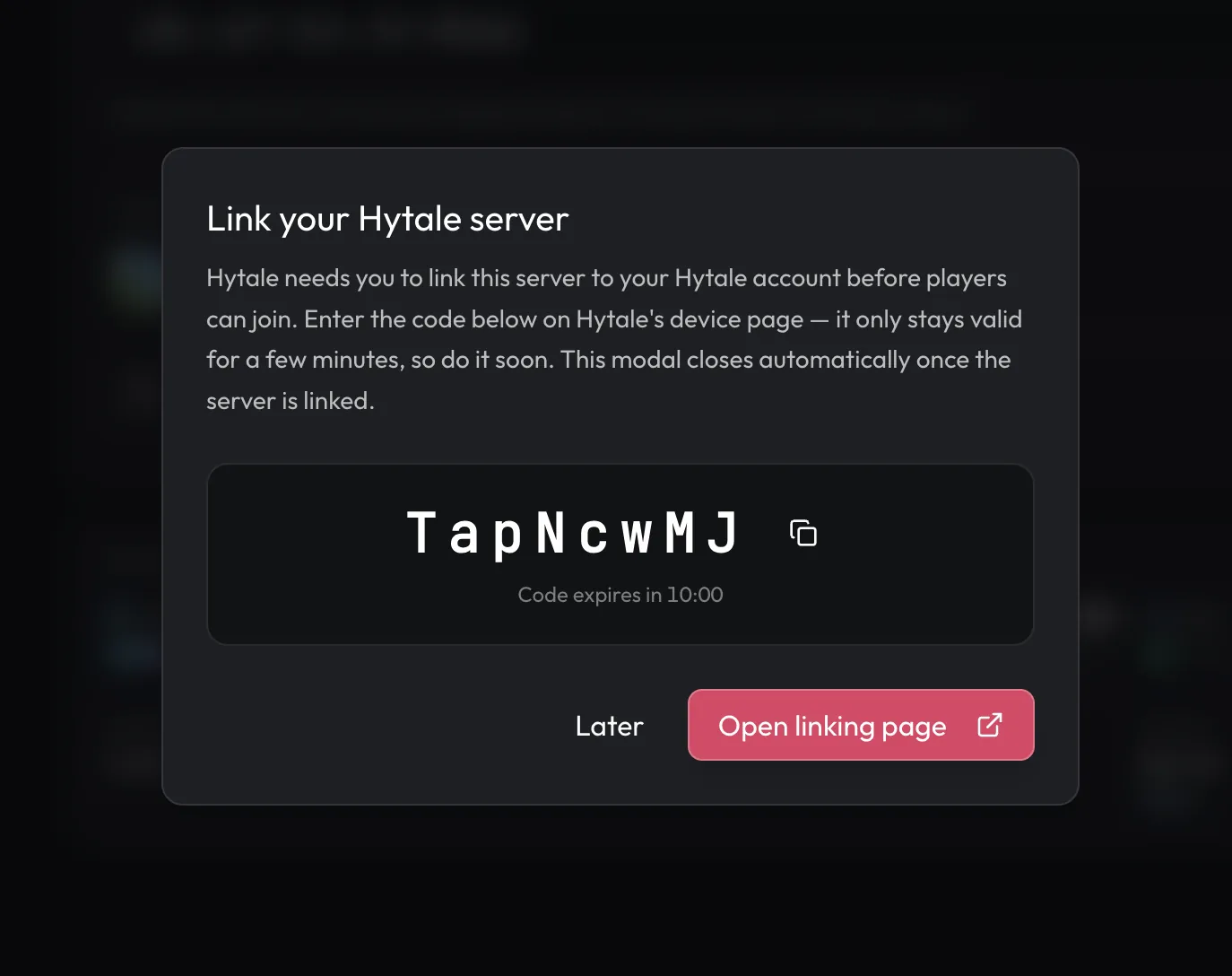
- Update one player's game, join, and check the world, inventories, and any important mods. Then open it up to everyone.
Our Chapter 1 server update guide has the full process, including self-hosted servers and what to do if something goes wrong.
If the server won't start or the world looks wrong, stop the server and don't keep retrying. Save the Console log and leave the files as they are. Restoring a world backup doesn't change the server version, so a world already opened on Chapter 1 can't simply be rolled back. Contact support and we'll help you work out the safest way back.
Getting everyone connected
Players can only join a server running the same game version, so everyone needs to update their launcher once Chapter 1 is out.
To join, players copy the Server address from your server's Overview page, including the port number:
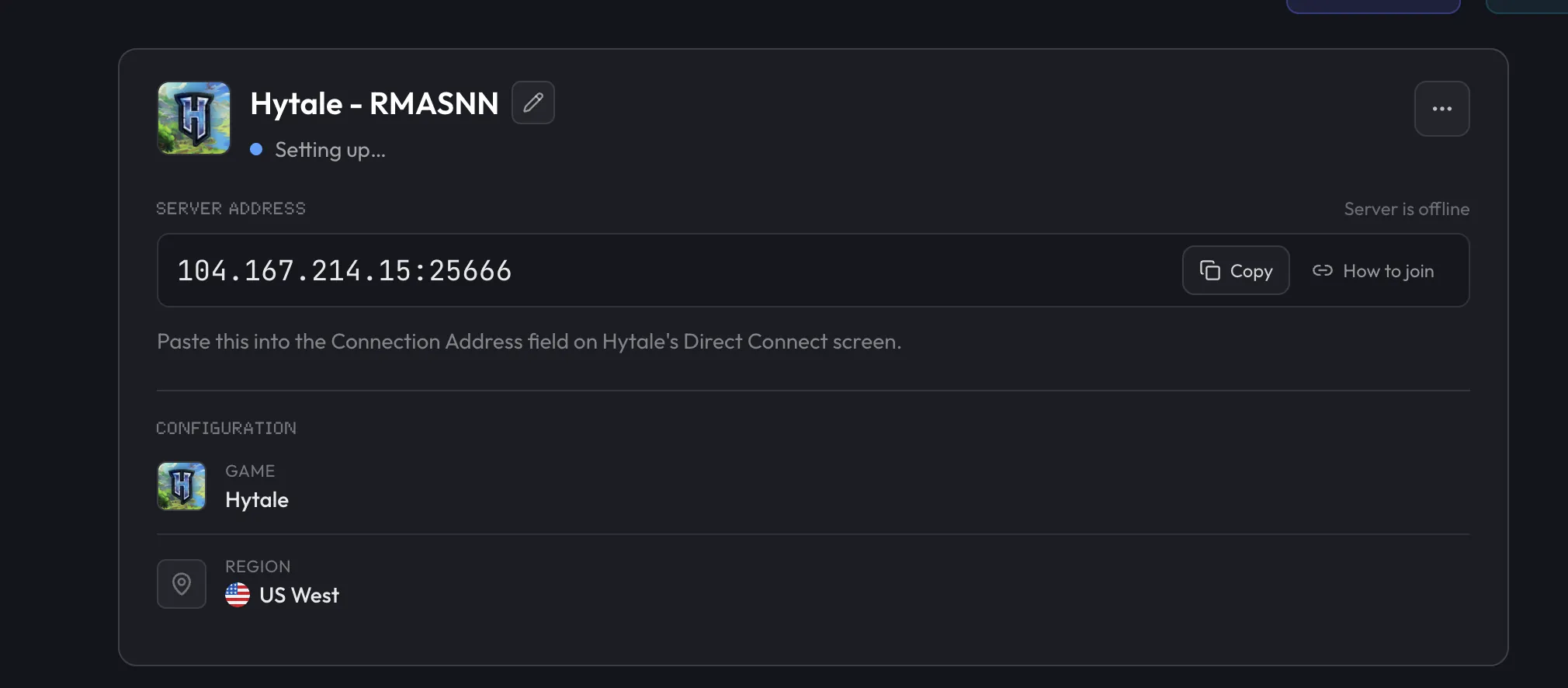
Then, in Hytale, they open Servers → Direct Connect, paste the address into Connection Address, and select Connect.
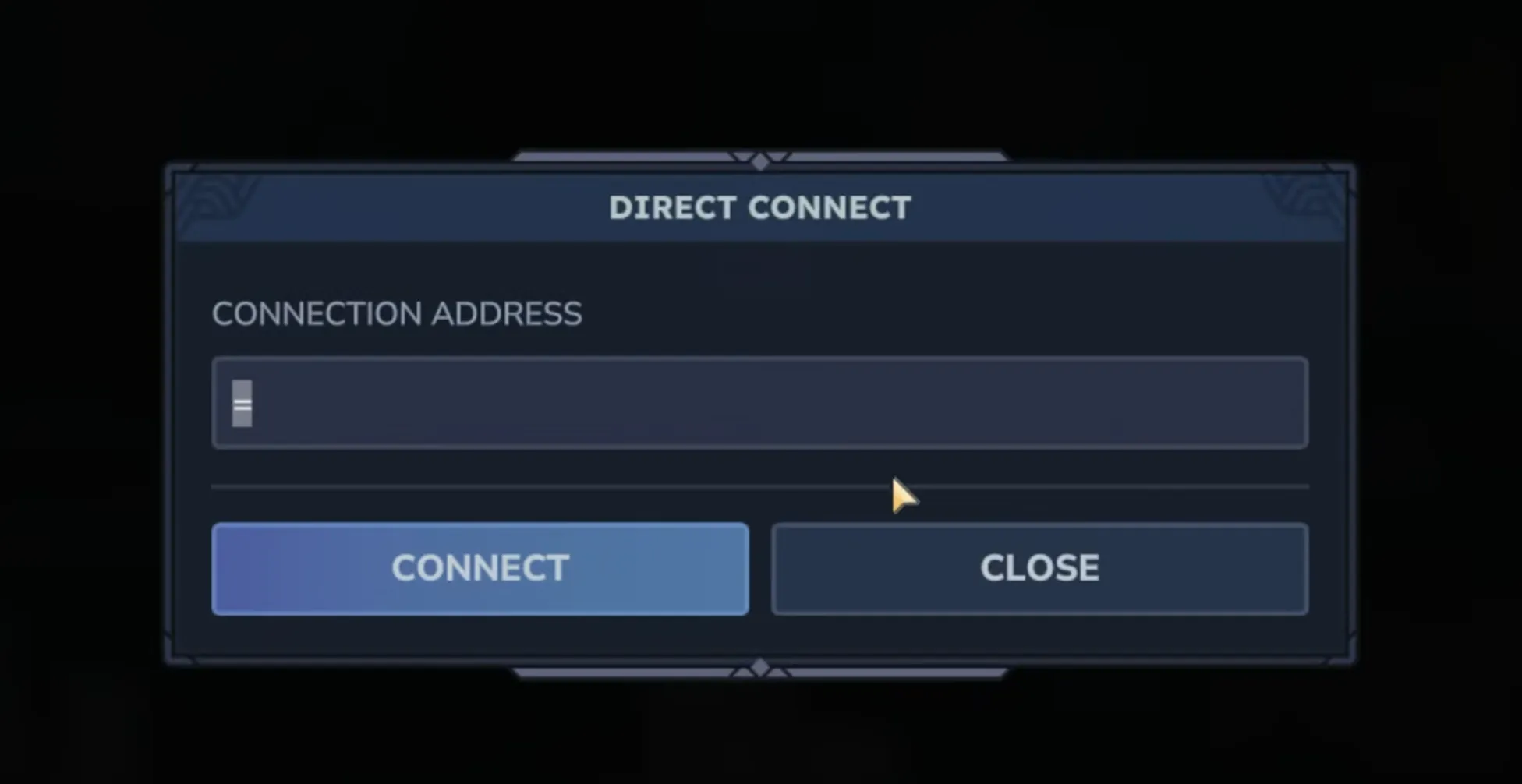
If someone can't get in, our Hytale connection troubleshooting guide works through the usual causes, starting with mismatched versions.
Don't have a server yet?
Chapter 1 is a lot more fun with a world that's always online. A dedicated server means your friends can run the dungeon or chase a Goblin Breach without waiting for the host to log in, and your builds don't depend on anyone's PC staying on.
With berrybyte Hytale server hosting, you get:
- Servers from $9.95/month, with 8 GB recommended for most friend groups
- Automatic backups, so your pre-Chapter 1 world is protected
- Free help moving your existing world from singleplayer or another host
- Mod support, with file access from your browser
- US East, US West, and EU Central locations, so you can pick one near your group
Setup takes a few minutes. Our Hytale server setup guide shows every step, from checkout to your first player joining.
Hytale Chapter 1 FAQ
When does Hytale Chapter 1 come out?
Chapter I: Out of the Breach releases on Monday, October 12, 2026 at 10:00 AM Eastern Time.
Will Hytale Chapter 1 reset my world?
No reset has been announced. According to the Update 7 pre-release notes, existing worlds upgrade automatically the first time they load on the new version. Back up your world before that first load.
Is Hytale Update 7 the same as Chapter 1?
Update 7 is the pre-release build where Chapter 1 content is being tested in waves. The final Chapter 1 release on October 12 may be different, so check the official patch notes on launch day.
Do I need to update my Hytale server for Chapter 1?
Yes. Hytale requires the client and server to be on matching versions, so
players who update their game can't join a server still on the old version.
On berrybyte, enabling Auto Update with the release patchline updates the
server when it starts.
Will my Hytale mods work in Chapter 1?
It depends on each mod. Check with the author for a Chapter 1 compatible build and test on a copy of your world before updating your main server.
How much RAM do I need for a Hytale server in Chapter 1?
Hytale's official minimum is 4 GB. For a group of friends, we recommend starting at 8 GB, and more for larger mod lists or players exploring far apart. Try the requirements calculator for an estimate based on your group.