How to make a Hytale server (hosted or self-hosted)
Make a Hytale server in minutes. Choose a host or self-host with Java 25 and UDP port 5520, complete Hytale Link, then share the address so friends can join with Direct Connect.
To make a Hytale server, rent one from a host or run the official server on your own machine with Java 25 and UDP port 5520 open. Either way, you link the server to your Hytale account (Hytale Link), then friends join through Servers → Direct Connect with the server's address.
| Hosted (berrybyte) | Self-hosted | |
|---|---|---|
| Online when your PC is off | Yes | Only while your machine runs |
| Java 25 and server files | Installed for you | You install and update them |
| Network | Port allocated for you, no forwarding | Forward UDP 5520 and open your firewall |
| Updates | Auto Update on start | Downloader CLI or /update commands |
| Backups | Automatic | --backup flag (every 30 minutes by default) |
Chapter 1 released on October 12, 2026, and a server you make today installs it. If you bring an existing world, it upgrades the first time it loads and can't be opened by an older server afterwards, so back it up first. See the Chapter 1 server update guide.
Make a Hytale server on berrybyte
Choose a plan and region
Open Hytale hosting and pick a region near most of your group: US East, US West, or EU Central. Plans start at 4 GB for $9.95/month, and 8 GB is the recommended size for most friend groups. The requirements calculator suggests a plan for your group.
Wait for installation
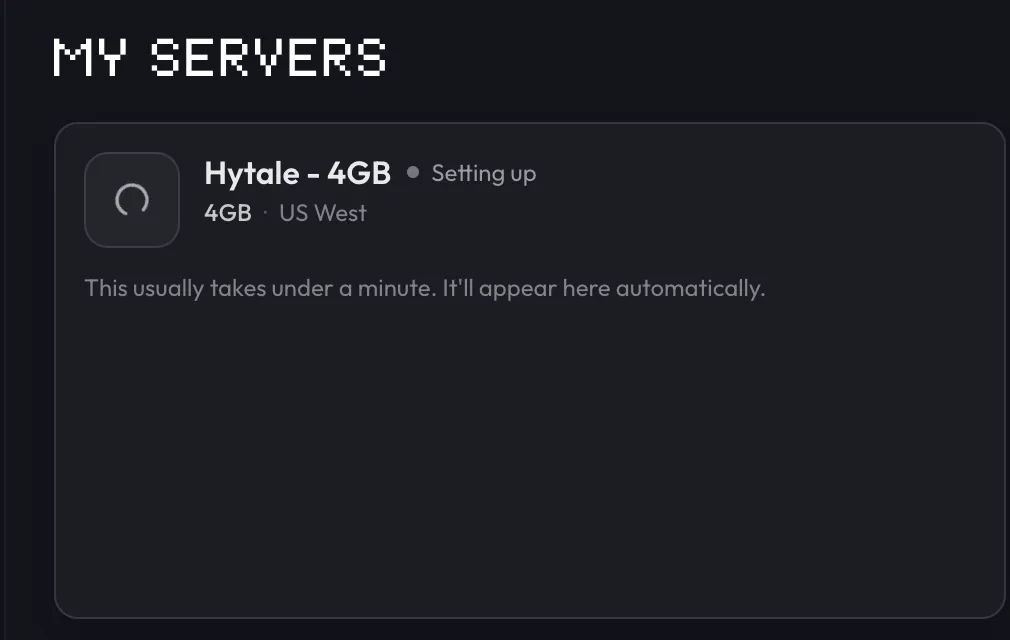
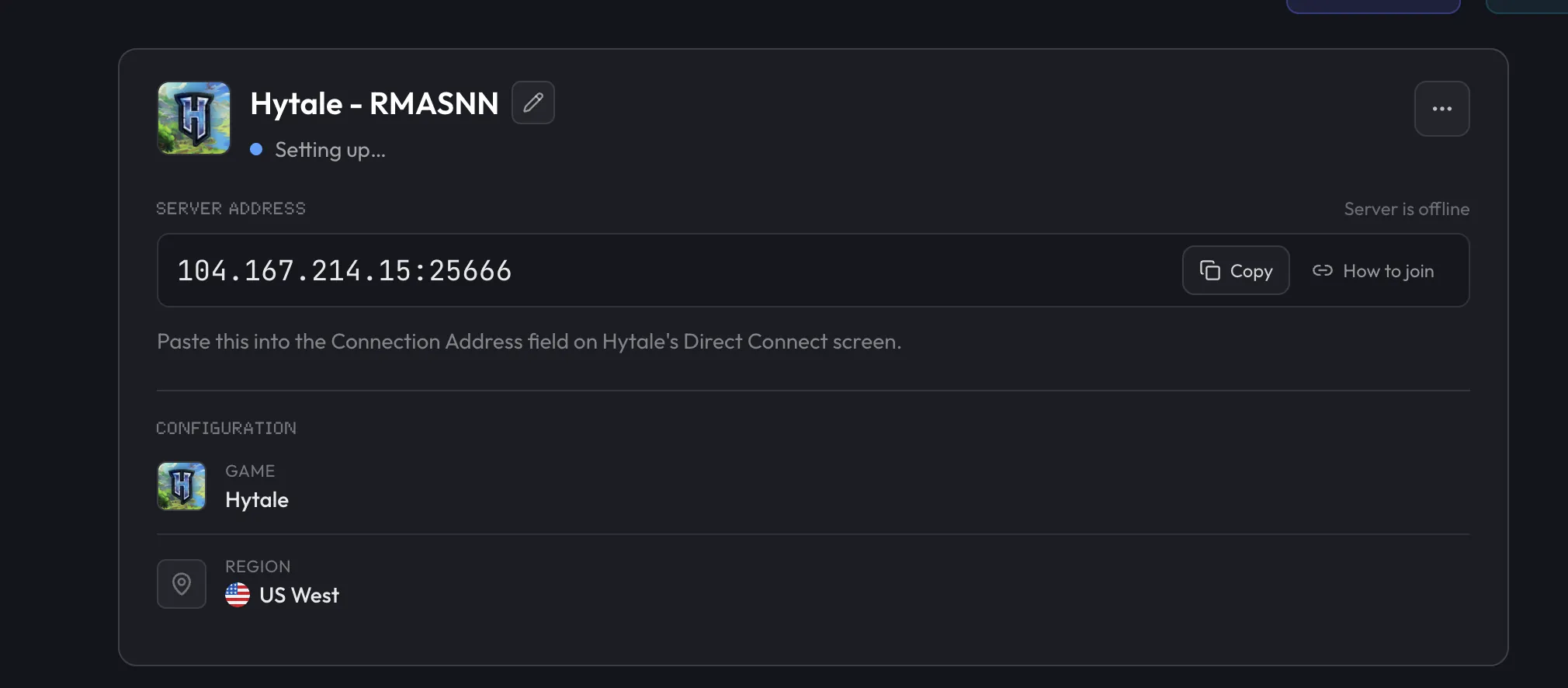
Your server appears in the dashboard as Setting up while berrybyte installs Java 25 and the server files. When it finishes, open the server and press Start if it's offline.
Complete Hytale Link
When Hytale server authentication required appears, click Authenticate and approve the device code. Players can't join until this succeeds. See authentication if the code expires.
Copy the address and join
On Overview, press Copy next to Server address. It includes the port. In Hytale, open Servers → Direct Connect, paste it, and connect. Test with one player before sharing it with the group.
If setup hasn't progressed after 10 minutes, open a support ticket with the server linked.
Self-host a Hytale server
Install Java 25
Install 64-bit Java 25 on an x64 or arm64 machine with at least 4 GB of RAM. Hypixel recommends Adoptium. Confirm it with:
java --versionGet the server files
The Hytale Server Manual
documents three options. The Hytale Downloader CLI is best for a server you'll keep
running, because it's easy to keep updated. For a quick test, copy the Server folder and
Assets.zip from your launcher's install folder to a folder of their own. Since Chapter 1, a
server whose data sits inside the launcher's install folder exits with code 11. You can also
bootstrap from HytaleServer.jar alone with --bootstrap.
Start the server
Run this from the folder with HytaleServer.jar, pointing --assets at your Assets.zip:
java -XX:AOTCache=HytaleServer.aot -jar HytaleServer.jar --assets Assets.zipThe server listens on UDP 5520. Add --bind 0.0.0.0:<port> to use a different port. The
AOT cache flag is optional, but it shortens boot time.
Authenticate
In the running console, send /auth login device. Open
https://accounts.hytale.com/device, enter the printed code, and wait for
Authentication successful.
Open UDP 5520
Allow UDP 5520 (or your custom port) through the firewall and forward it on your router. Hytale uses QUIC over UDP, so a TCP-only rule won't let anyone join.
Share the address
Give friends your public IP or hostname with the port, for example 203.0.113.10:5520. They
enter it in Servers → Direct Connect.
Hytale servers don't use SteamCMD. The manual covers every launch option,
including -Xmx for setting a memory limit.
Rather skip the router? Hosted servers don't need port forwarding or firewall rules. Staying self-hosted? Follow Hytale port forwarding for router, firewall, and CGNAT fixes.
Related guides
Frequently asked questions
What port does a Hytale server use?
UDP 5520 by default. Hytale uses the QUIC protocol over UDP, so TCP forwarding isn't needed. Self-hosters can change the port with the --bind launch argument, and a hosted server may assign a different port, so always share the full address.
Do I need to port forward a Hytale server?
Only if you host it at home behind a router. Forward UDP 5520 (or your custom port) to the server machine and allow it through the firewall. A hosted server handles the network for you, so there's nothing to forward.
How much RAM does a Hytale server need?
Hypixel's official minimum is 4 GB with Java 25. berrybyte recommends 8 GB for most friend groups, and more for heavy mod lists, players exploring far apart, or higher view distances.
What do I need to run a Hytale server?
Java 25 on a 64-bit x64 or arm64 machine with at least 4 GB of RAM, the server files with a matching Assets.zip, and a reachable UDP port. You also authenticate the server with a Hytale account before anyone can join.
Does a Hytale dedicated server give me a share code?
No. A dedicated server has an address (host:port) that friends enter in Servers → Direct Connect. Share codes are only for worlds hosted from a friend's game.