How to join a Hytale server
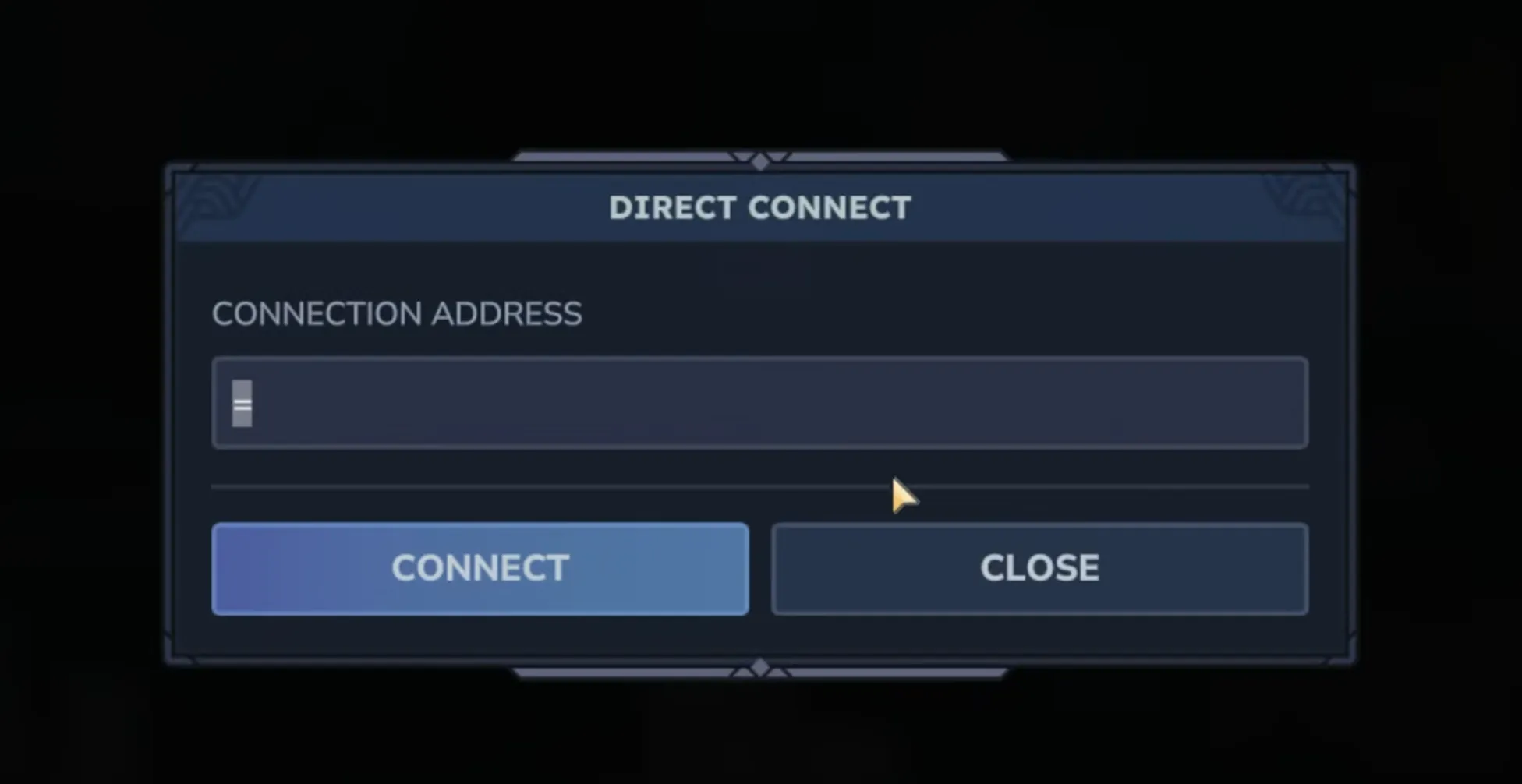
To join a Hytale server, open Servers → Direct Connect, paste the full host:port address, and press Connect. Your game must be on the same version and patchline as the server. Dedicated servers use an address, not a share code.
Open Servers → Direct Connect in Hytale, paste the server's full address
(host:port) into Connection Address, and press Connect. Your game
must be on the exact same version as the server, or the connection is refused.
Chapter 1 released on October 12, 2026. The client/server protocol version changed, so every player needs to update Hytale through the launcher, and the server needs to be on Chapter 1 too. Joins fail until both match. Server owners can follow the Chapter 1 server update guide.
Join the server
Get the address
Ask the owner for the complete address, including the port, and any join password. On berrybyte, the owner copies Server address from Overview.
Launch the matching game build
Sign in to Hytale and update through the launcher. Use the same patchline as the server: normal release or pre-release.
Open Direct Connect
Go to Servers → Direct Connect. Paste the full address into Connection Address, then press Connect.
Enter the password
Enter it if prompted. If the server uses a whitelist, the owner must also approve your account.
A berrybyte address may use a port other than 5520. Copy the whole address
rather than guessing the port.
Join via Code vs Direct Connect
Join via Code is for worlds hosted from a friend's game. Those codes expire. A dedicated server always has an address instead, and you join it through Direct Connect.
A private dedicated server doesn't need to appear in Server Discovery. Players can join it by address alone.
If you can't join
| Problem | What to do |
|---|---|
| Server is offline or still loading | Ask the owner to check Overview and Console |
| Server isn't authenticated | The owner completes Hytale Link |
| Protocol mismatch | Update your game and the server to the same version and patchline |
| Password or whitelist rejection | Ask the owner to check access settings |
| Address times out | Recopy the address with its port; self-hosters should check UDP forwarding |
Connection troubleshooting covers these checks in order.
Related guides
Frequently asked questions
Which address do I use to join a Hytale server?
The complete host:port the owner gives you. On berrybyte, the owner copies Server address from Overview. A hosted server can use a port other than the self-hosted default of 5520, so copy the address instead of guessing.
My friend sent a code instead of an address. What do I do?
A code is for a world hosted from your friend's game, so enter it with Join via Code. Dedicated servers don't use share codes. For a dedicated server, ask for the full host:port and use Servers → Direct Connect.
Do all players need the same Hytale version?
Yes. Hytale requires the client and server to be on the exact same protocol version, so everyone updates when the server updates. Players also need the same patchline as the server, release or pre-release.
Can Mac and Linux players join a Hytale server?
Yes. Hytale is available on Windows, Mac and Linux, and players on all three can join the same dedicated server. Each player needs their own copy of Hytale on the matching version.
Do I need to port forward to join a Hytale server?
No. Port forwarding is only for whoever hosts the server at home. Players connect as clients, and Hypixel's manual notes that players behind carrier-grade NAT, common on mobile networks, should connect fine.