How to host a Cobblemon server
Make a Cobblemon server for friends. Run the official Fabric pack on a 4 GB server from $9.95/mo, or self-host it free with Fabric and Cobblemon.
To make a Cobblemon server, run Fabric for Minecraft 1.21.1 with the Cobblemon mod and Fabric API. Use the same Cobblemon version your friends use. About 4 GB of RAM covers a small group. You can rent one with the pack already installed, from $9.95 a month on our Cobblemon server hosting page. Or you can self-host it free on a computer that stays on.
Looking for a public server to join instead? Cobblemon keeps a list of public servers. This guide is for running your own.
| Modpack | Cobblemon Official Modpack [Fabric] |
|---|---|
| Modpack source | CurseForge #821748 |
| Version | 1.8.1 |
| Minecraft / mod loader | 1.21.1 / Fabric |
| Starting RAM | 4 GB — Recommended by the pack creator |
| Details checked | September 16, 2026 |
Cobblemon Official Modpack [Fabric] and Cobblemon Official Modpack [NeoForge] are separate projects. This guide and our Cobblemon plan use Fabric. Cobblemon is also not Pixelmon; use the Pixelmon guide if that is the pack your group wants. COBBLEVERSE and Cobblemon Delta are separate Cobblemon packs with their own guides.
Make a Cobblemon server on berrybyte
Open the Cobblemon hosting page
Go to Cobblemon server hosting. Check that the pack name ends in [Fabric].
Choose 4 GB and a location
The 4 GB plan suits a small group. Pick the location closest to most of your friends.
Complete checkout
Keep the pack attached. We set up the Fabric loader and the right Java version for you.
Wait for the first start
Watch Console until the world is ready. It can take a few minutes. Don't upload a client instance over the new server.
Install Cobblemon on each player's computer
Pick the Fabric pack
Install Cobblemon Official Modpack [Fabric] from Modrinth or CurseForge in a compatible launcher.
Match the server's release
Choose the exact version shown in the server details above. Launchers often pick the newest release by default, so check before you install.
Launch the profile
Wait for the Minecraft menu, then open Multiplayer.
The pack has no separate server ZIP in its current listing. We install the parts of the pack a server needs. That is different from uploading a player's own game folder.
Join the Cobblemon server
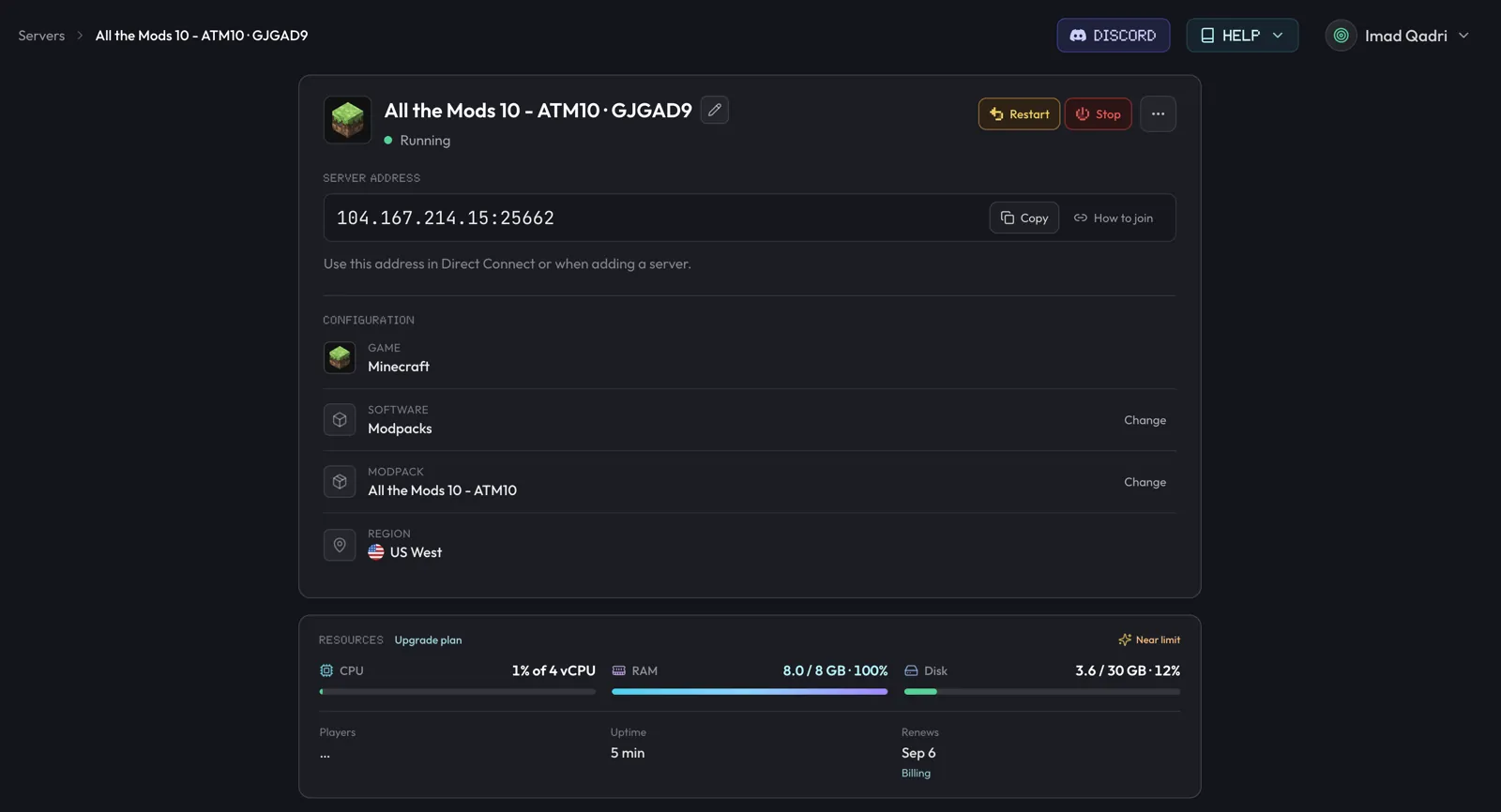
Open Overview in the dashboard and copy Server address. In the Cobblemon profile, open Multiplayer, add a server, and paste it. Keep the port after the colon.
If a player sees a loader error, ask which pack they installed before you change the server. A NeoForge profile name is enough to explain it.
Self-host a Cobblemon server for free
You can run Cobblemon on your own PC at no cost. The catch: that PC has to stay on while anyone plays, and friends outside your home usually need you to forward port 25565 on your router.
Install Java 21
Minecraft 1.21.1 and Cobblemon both need Java 21. Install it on the computer that will run the server.
Download the Fabric server launcher
On fabricmc.net, choose Minecraft 1.21.1 and the newest loader, then download the server launcher jar. Put it in an empty folder.
Add Cobblemon and Fabric API
Open a terminal in that folder and run java -Xmx4G -jar, then the launcher's file name,
then nogui. It stops after it makes a mods folder and eula.txt. Put
Cobblemon for Fabric 1.21.1 and
Fabric API in that folder. Use the same Cobblemon
version that ships in your friends' pack.
Accept the EULA and start
Open eula.txt, change eula=false to eula=true, and save. Run the same command
again. The -Xmx4G part gives the server about 4 GB of memory.
Let friends connect
Players on your home network join with your computer's local address. Friends elsewhere need port 25565 forwarded and your public IP address.
Cobblemon 1.8.1 and 1.8.2 both ask for Fabric Loader 0.17.2 or newer and Fabric API 0.116.6 or newer (see the Cobblemon versions on Modrinth). If the server won't start, check those two first.
Players can join this server with the full Cobblemon pack, or with just Cobblemon and Fabric API. The pack creator says the pack connects to servers that run only those two.
COBBLEVERSE and other Cobblemon packs
Some groups want a bigger pack built around Cobblemon. Each one needs its own server, and every player must run that same pack.
- COBBLEVERSE adds well over 100 mods. The pack creator asks for 6 GB or more for a multiplayer server. See the COBBLEVERSE server guide.
- Cobblemon Delta is a lighter pack than COBBLEVERSE, with about 50 mods. See the Cobblemon Delta server guide.
- Any other pack from Modrinth or CurseForge installs in one click. Paste its link on our modpacks page. Check the pack's own page for its RAM advice.
Update the pack and Pokemon data safely
Back up the full server
Open Backups and create a backup. It keeps the world, configs, and Cobblemon data.
Stop the server
Wait for the final save to finish.
Update the whole Fabric pack
Use Overview → Modpack → Change. Don't update single mods by hand.
Match every player
Move each launcher profile to the same release before you restart.
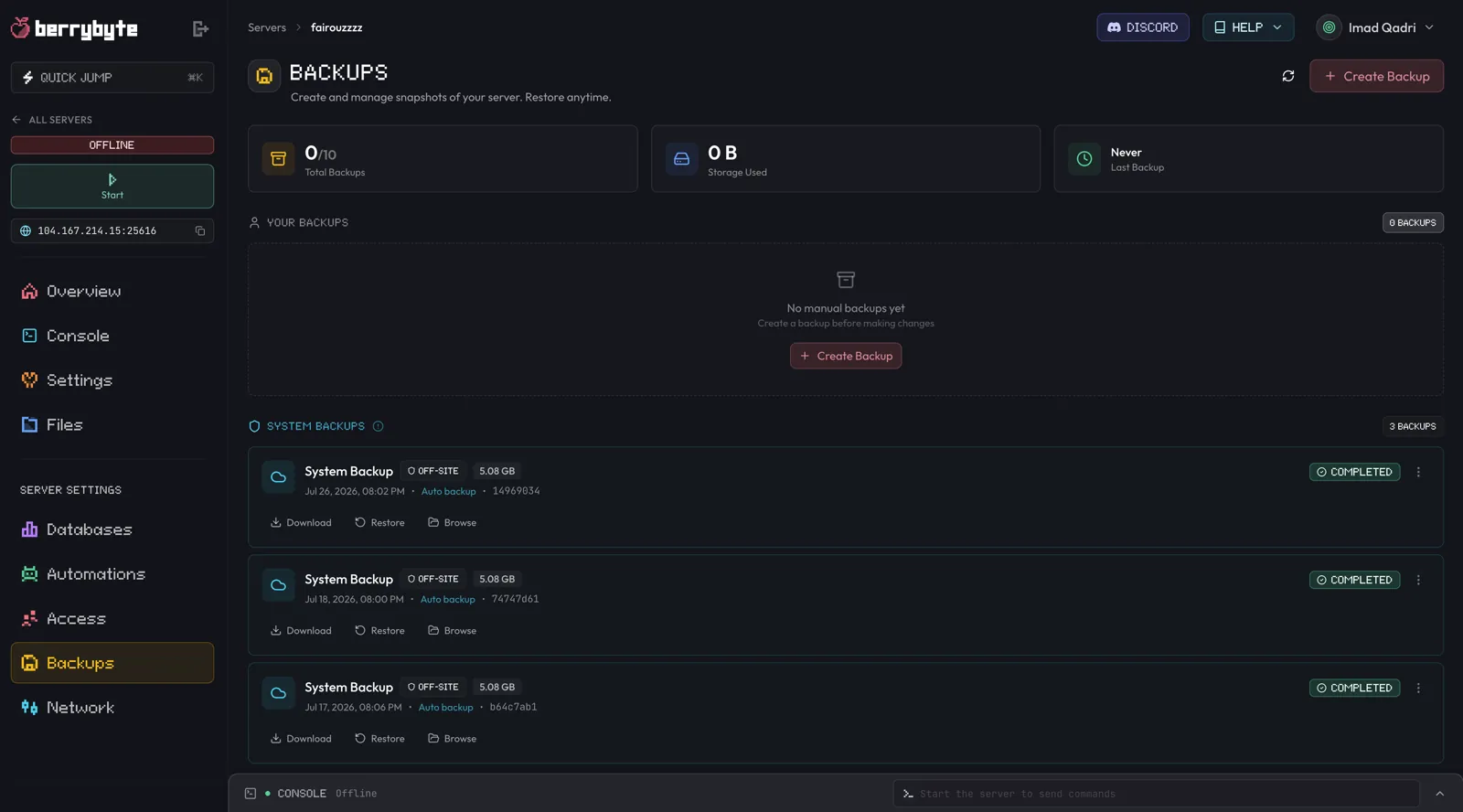
See Minecraft backups for how restores work.
Fix common Cobblemon server problems
Fabric and NeoForge were mixed. Reinstall the Fabric pack named in the server details. Changing only the loader won't fix it, because the two editions have different files.
The client says mods are incompatible. Compare the whole pack release. Undo any mods updated by hand, then test the plain profile first.
A player can join but is missing menus or maps. Those come from the full pack on the player's side. Have them use the complete pack for a matching setup.
The server runs out of memory while exploring. Move to the next RAM option shown above, then test again before you remove world data.
Still stuck? Open a support ticket with the server log and the exact launcher profile name.
Next steps
Frequently asked questions
How do I make a Cobblemon server?
Run a Fabric server for Minecraft 1.21.1 with Cobblemon and Fabric API, at the same Cobblemon version your friends use. On berrybyte, open the Cobblemon hosting page and check out. We install the Cobblemon Official Modpack [Fabric] and the loader for you. To self-host, install the Fabric server launcher and put Cobblemon and Fabric API in the mods folder.
How much RAM does a Cobblemon server need?
About 4 GB for a small group. The pack creator recommends at least 2.5 GB and says 3 GB or more works best. Our Cobblemon plan starts at 4 GB for $9.95 a month, the first plan above that figure. Move up if many players explore new land at once.
Can I make a Cobblemon server for free?
Yes, on your own computer. Cobblemon, Fabric, and Fabric API are free. That computer has to stay on while anyone plays, and you usually need to forward port 25565 on your router so friends outside your home can join.
Can Bedrock players join a Cobblemon server?
No. Cobblemon is a Java Edition mod, and most Java modpacks don't support Bedrock. Every player needs Minecraft Java Edition on a computer with Cobblemon installed. Bedrock, console, and phone players can't join.
Is Cobblemon the same as Pixelmon?
No. Cobblemon's official pack runs on Fabric for Minecraft 1.21.1. The Pixelmon Modpack we install runs on NeoForge for Minecraft 1.21.1. They are separate mods, so a player with one can't join a server running the other.
Do players need the full Cobblemon modpack?
No, but it's the simplest setup. The pack creator says the pack can connect to servers that run only Cobblemon and Fabric API. Players can also join with just Cobblemon and Fabric API. Either way, everyone needs the same Cobblemon version as the server.
Why does Cobblemon say the mod list is incompatible?
The player usually installed the NeoForge edition, another release, or updated one mod by hand. Match the server's Fabric pack and Cobblemon version first.
Should I back up before updating Cobblemon?
Yes. Back up the world and Pokemon data, stop the server, and update every player to the same release.